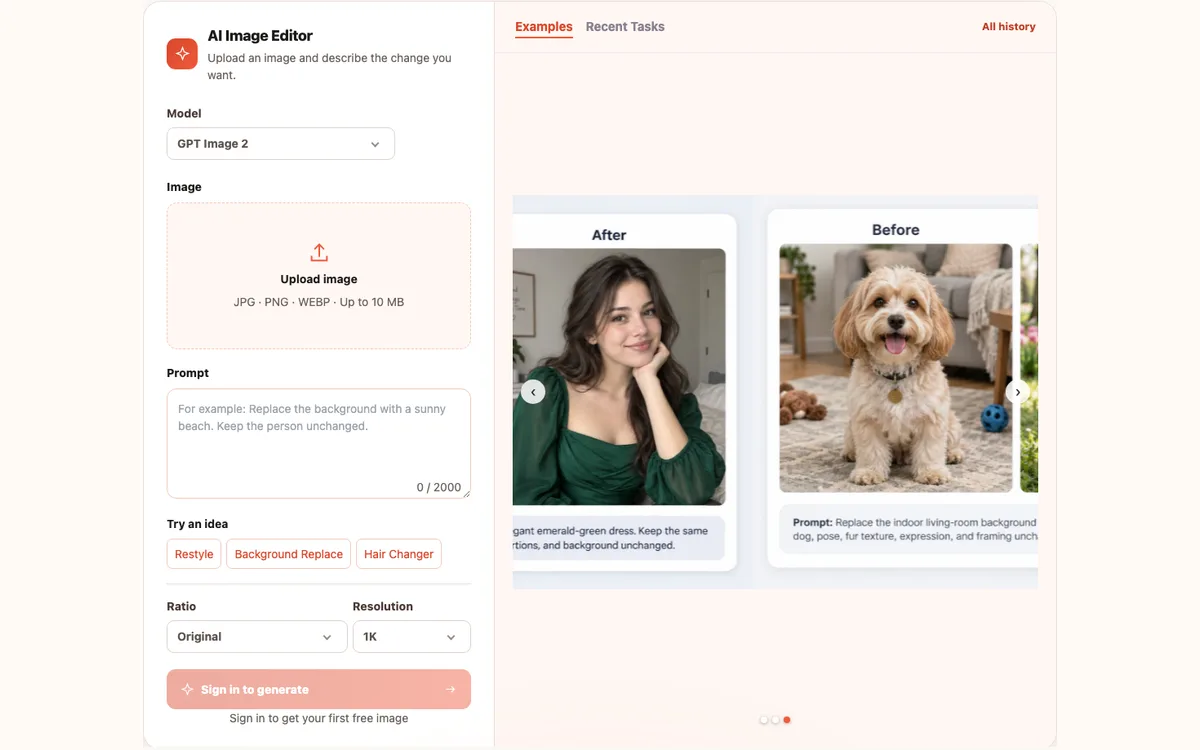
AI Image Editor
Edit specific photo details or replace a background with a text prompt while specifying which people and elements to keep.
Seven AI image tools in one place to edit, generate, convert, and enhance your images.
Browse AI Image ToolsThese AI image tools bring editing, generation, conversion, and enhancement together in one place. Start with the task you want to complete: change an existing picture, create a visual from an idea, explore an illustrated style, describe a reference, or improve photo quality. The directory helps you choose a destination; each tool’s own page explains its inputs, controls, and workflow.
If you are looking for free AI image tools, you can browse this collection without an account. New users can sign in for a first free image under the current account offer, while further operations may use credits. Check your available allowance and the selected tool’s requirements before starting. Everything runs in your browser with no software installation. Use the task groups below or the selection table to find a suitable starting point for your next image project.
Edit specific photo details or replace a background with a text prompt while specifying which people and elements to keep.
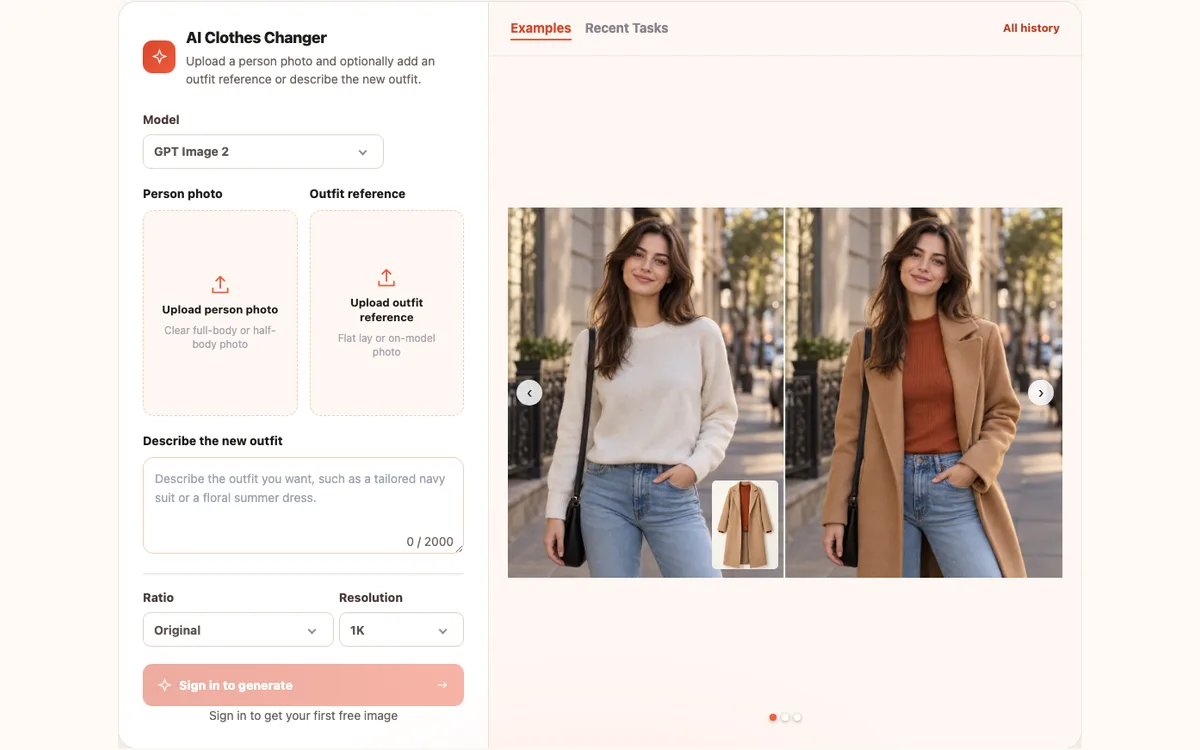
Change an outfit with a prompt or clothing reference while guiding AI to preserve the person’s face, pose, and background.
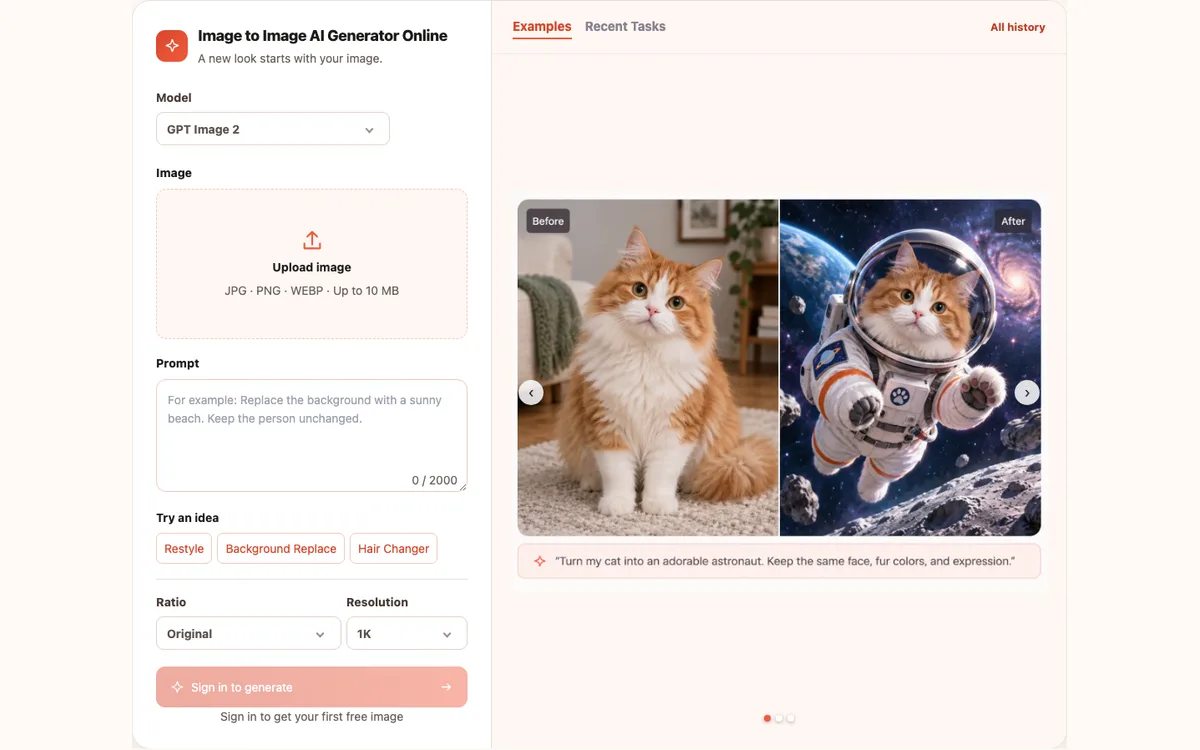
Create new styles, scenes, and visual variations from a reference image and text prompt, using the original to guide your result.
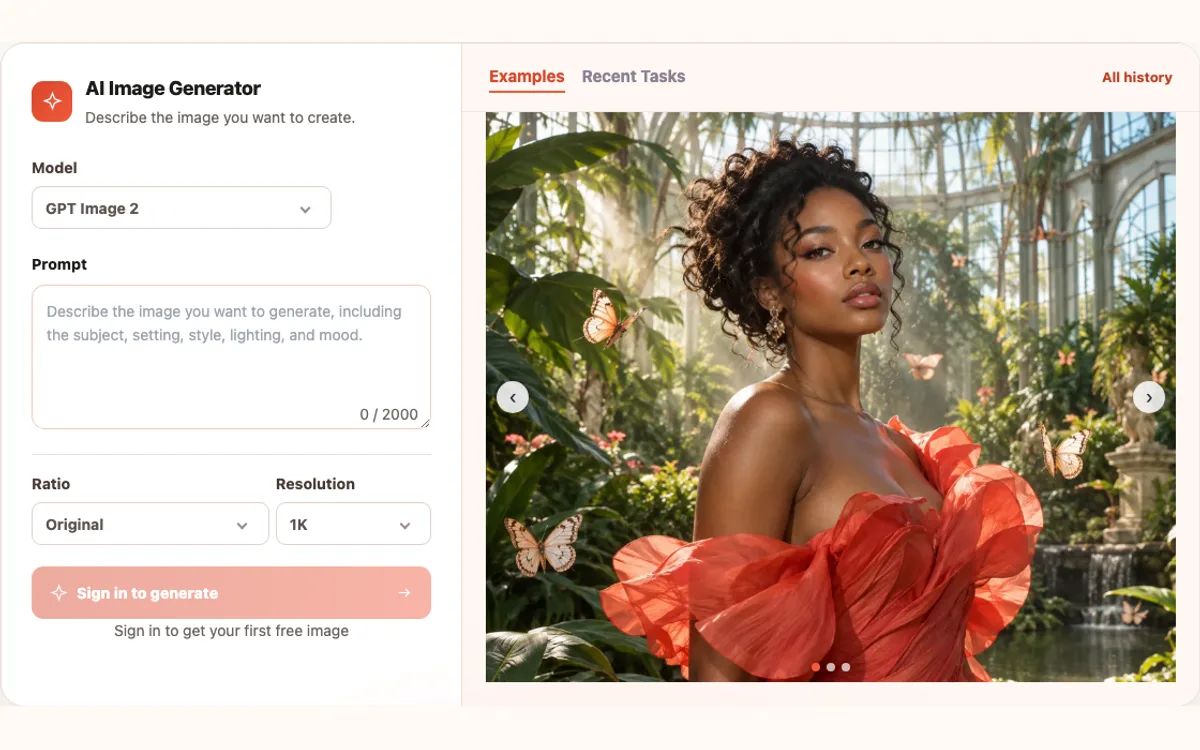
Generate original images from text descriptions, choosing a model, aspect ratio, and resolution without uploading a reference photo.
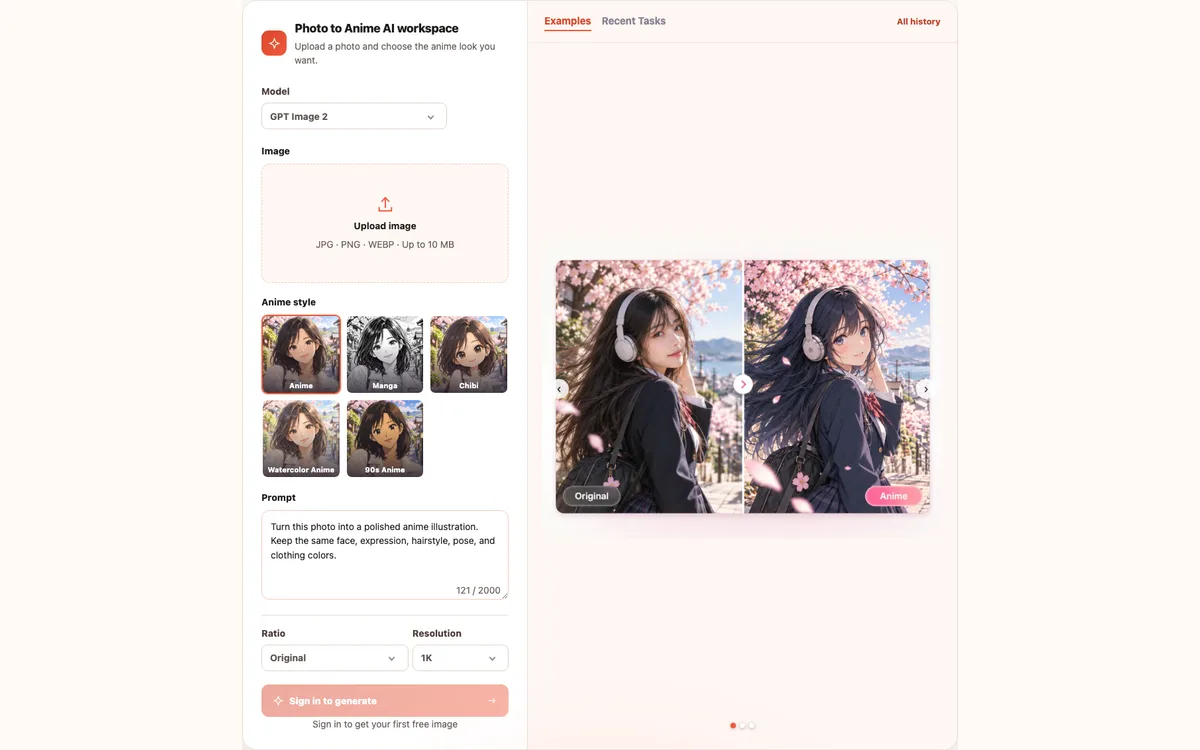
Turn a photo into anime, manga, or chibi artwork, using the original image to guide facial features and composition.
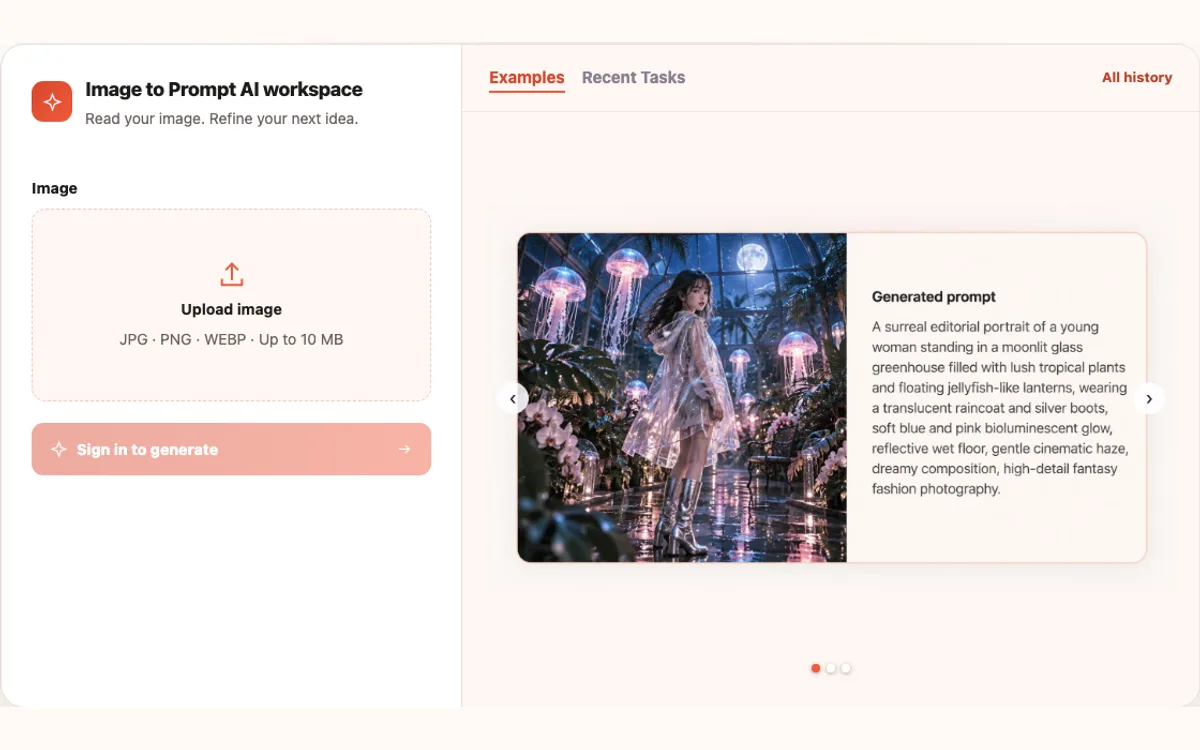
Describe an image’s visible subjects, style, and composition as an editable AI prompt for reuse, without claiming to recover its original prompt.
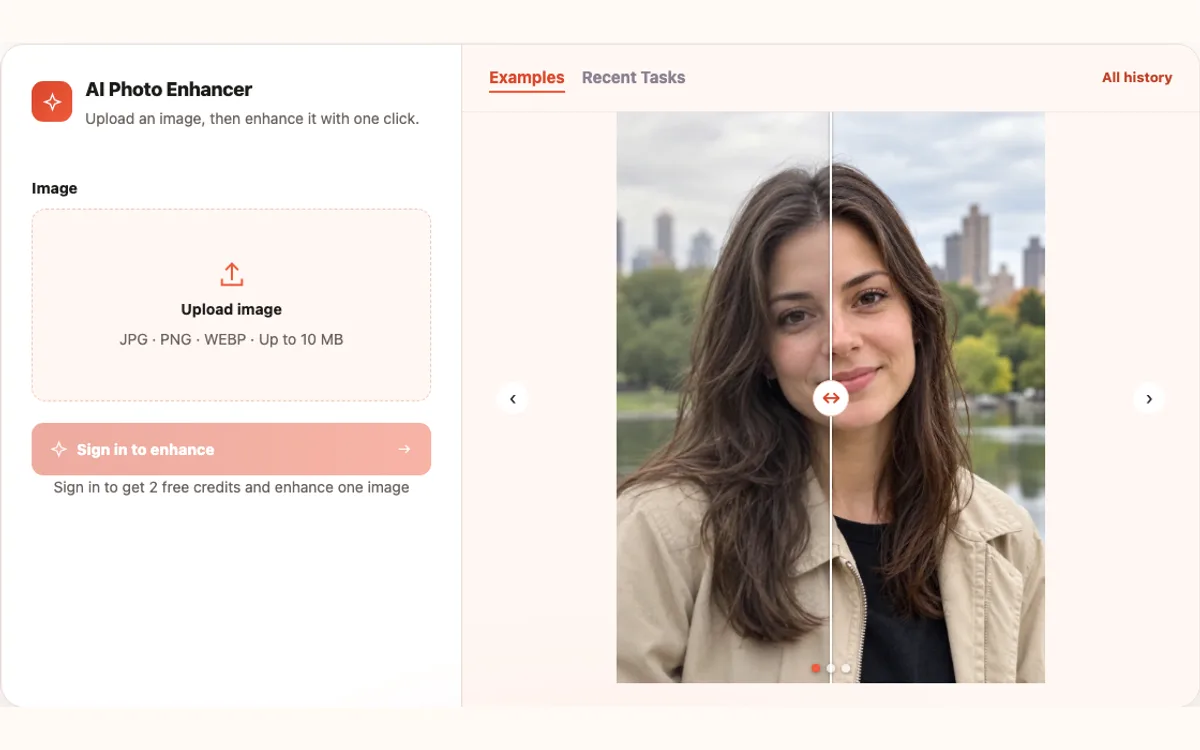
Improve clarity and fine details in blurry or small photos, using the original image as the reference for enhancement.
| What you want to do | Which tool to use |
|---|---|
| Change an entire outfit | AI Clothes Changer |
| Keep a person while changing the background or a detail | AI Image Editor |
| Create a new variation from a reference image | Image to Image AI |
| Create an image from a written idea | AI Image Generator |
| Turn a photo into anime artwork | Photo to Anime |
| Get a descriptive prompt from a reference image | Image to Prompt |
| Improve a small or blurry photo | AI Photo Enhancer |
Browsing this directory is free and requires no login. New users can sign in for a first free image under the current account offer; further generation or enhancement uses credits. Check the tool page and your account for available allowances and costs.
Image to Image AI on the homepage starts with a reference image and a prompt to create visual variations. AI Image Generator uses text prompts only, without an uploaded reference. Choose based on whether you already have an image to work from.
No installation is needed: the tools run in your browser. You can browse this directory and choose a tool without signing in. When starting a generation, follow the selected tool’s sign-in and credit requirements.
Yes. Choose a tool for your current task, then use the result in a later editing, conversion, or enhancement step. Each tool has its own page; check that page for supported inputs and operation requirements.