Upload an image
Choose one clear JPG, PNG or WEBP reference up to 10 MB.
Turn any reference image into an editable English AI prompt. This image to prompt generator captures the subject, composition, lighting, colors, and style so you can copy, refine, or reuse the result.
Read your image. Refine your next idea.
Instead of a short image caption, the image to prompt generator turns visible details into an editable AI prompt you can refine and reuse. It captures how the image looks—not the hidden prompt or settings that originally created it.
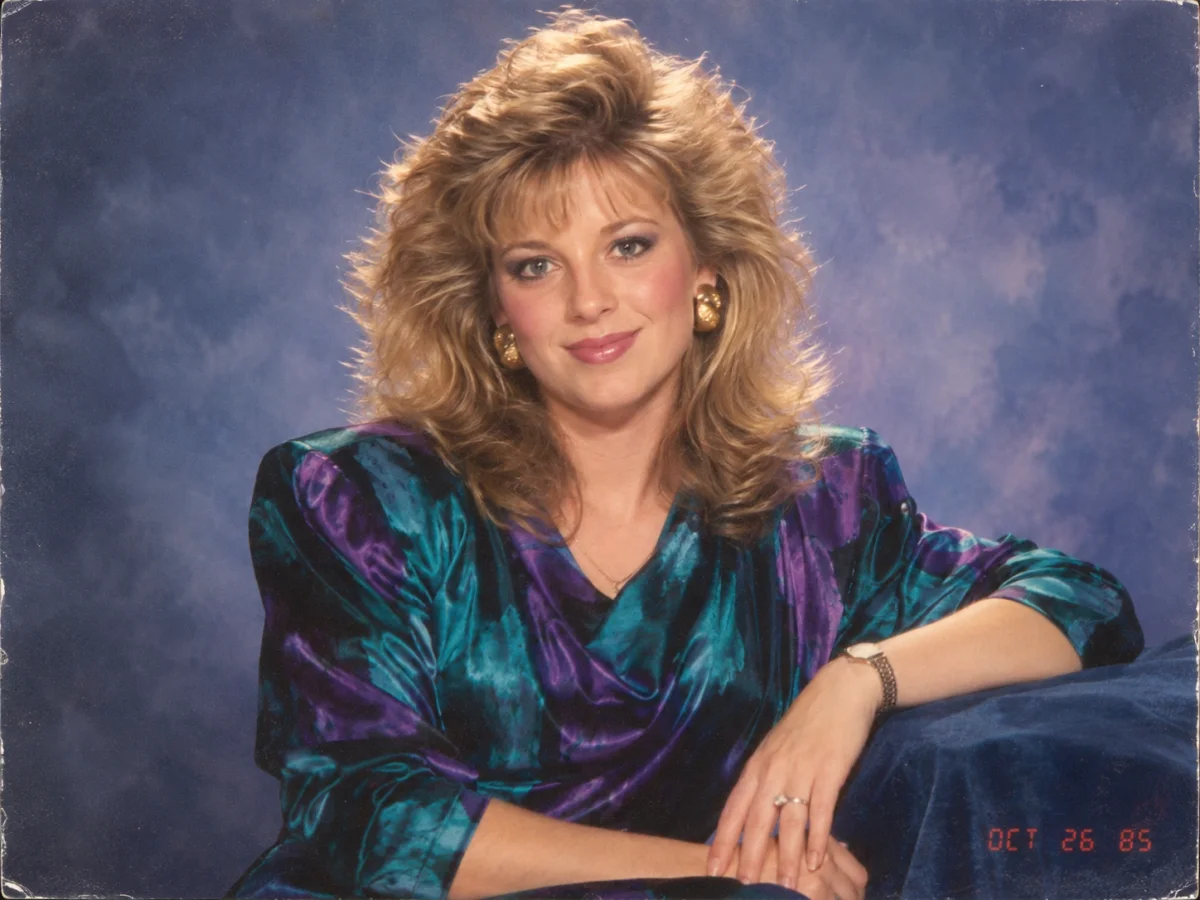
A vintage studio portrait of a smiling woman seated on a sofa, voluminous feathered blonde hair, colorful satin blouse, soft blue painted backdrop, frontal composition, warm studio lighting, subtle film grain, nostalgic 1980s photography.
This describes visible appearance. It does not recover the original prompt or guarantee identical results.
Upload an image to get a prompt, then decide how to use it.
Choose one clear JPG, PNG or WEBP reference up to 10 MB.
Sign in and let the tool describe the visible composition and details in English.
Copy the prompt, or edit it and switch to Image to Image. Creating an image is a separate action.
Copy the prompt from the completed result card, then reuse it in an image generator or editor. Keep the parts that match your reference and change only the details you want to explore.
Copy the prompt from the completed result card. It gives you a written starting point for the image’s subject, composition, lighting, colors, and style.
Open our Image to Image AI generator, upload the reference image, and paste the copied prompt into the prompt field. Change the style, background, lighting, or other details to generate a new variation.
When you want a specific change, open our AI Image Editor and paste the prompt into its prompt field. Ask for a targeted edit—such as replacing the background, changing clothing, or removing an object—while telling AI what to keep.
The AI image to prompt generator looks for these visual cues. Clear source images make the description more useful; uncertain details may be omitted.
Describe visible people, animals, objects and their appearance without guessing identities.
Capture framing, viewpoint, placement and the relationship between foreground and background.
Note visible light direction, softness, shadows and contrast rather than inventing a studio setup.
Describe a photographic, illustrated, painted or dimensional appearance in plain language.
Name dominant colors and the overall warm, cool, muted or vivid palette.
Include useful textures, clothing, props and surroundings. Uncertain fields may stay empty.
Upload a portrait, product photo, interior, landscape, artwork, anime image, 3D render, or other clear reference image. The image to prompt generator analyzes what is visibly present and turns it into an editable English prompt.
Clear images with a distinct subject usually produce more useful prompts
Looking for a free image to prompt generator? Every account gets one free successful use after sign-in. After that, each successful generation costs 1 credit. There is no unlimited free tier.
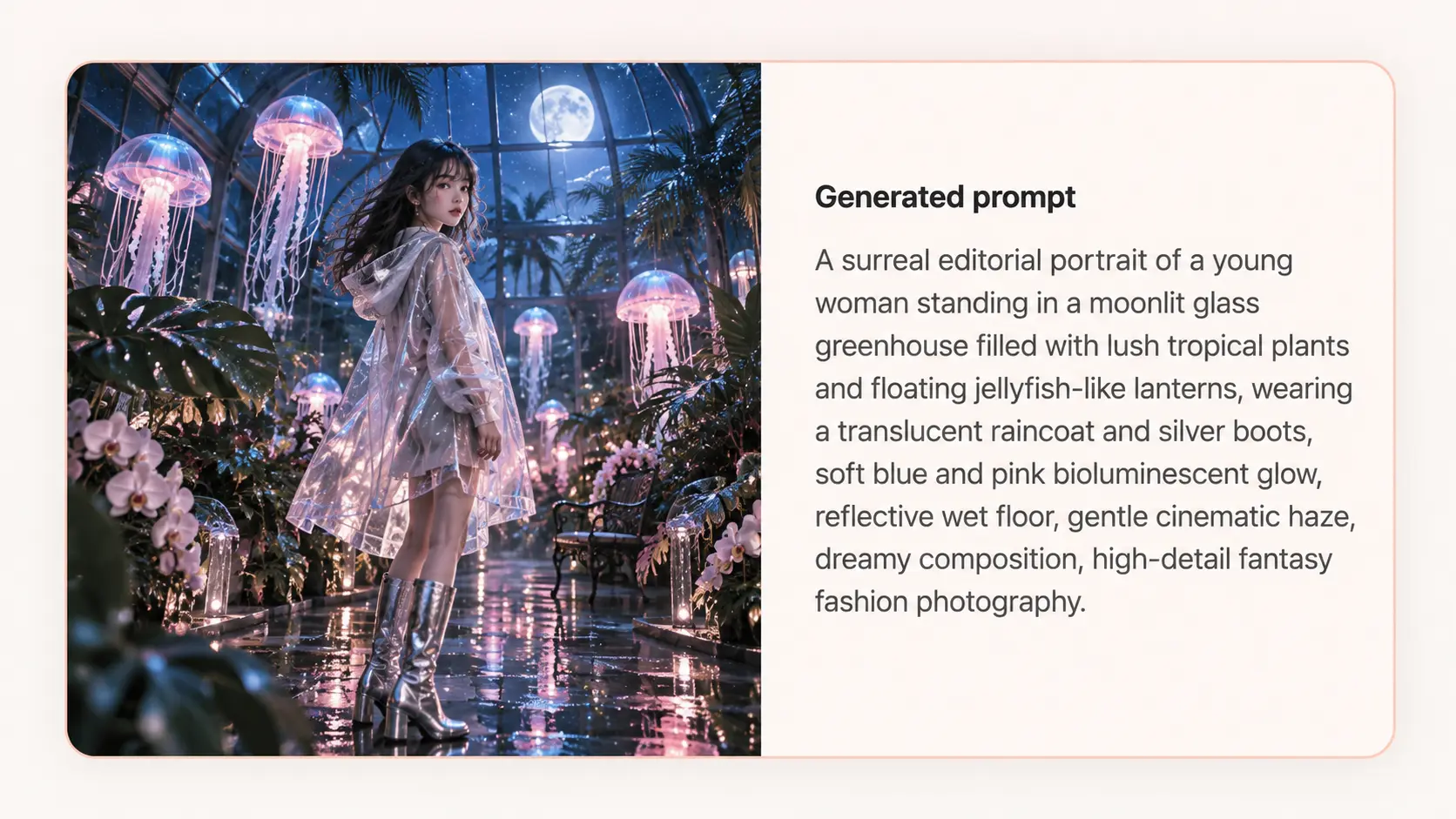
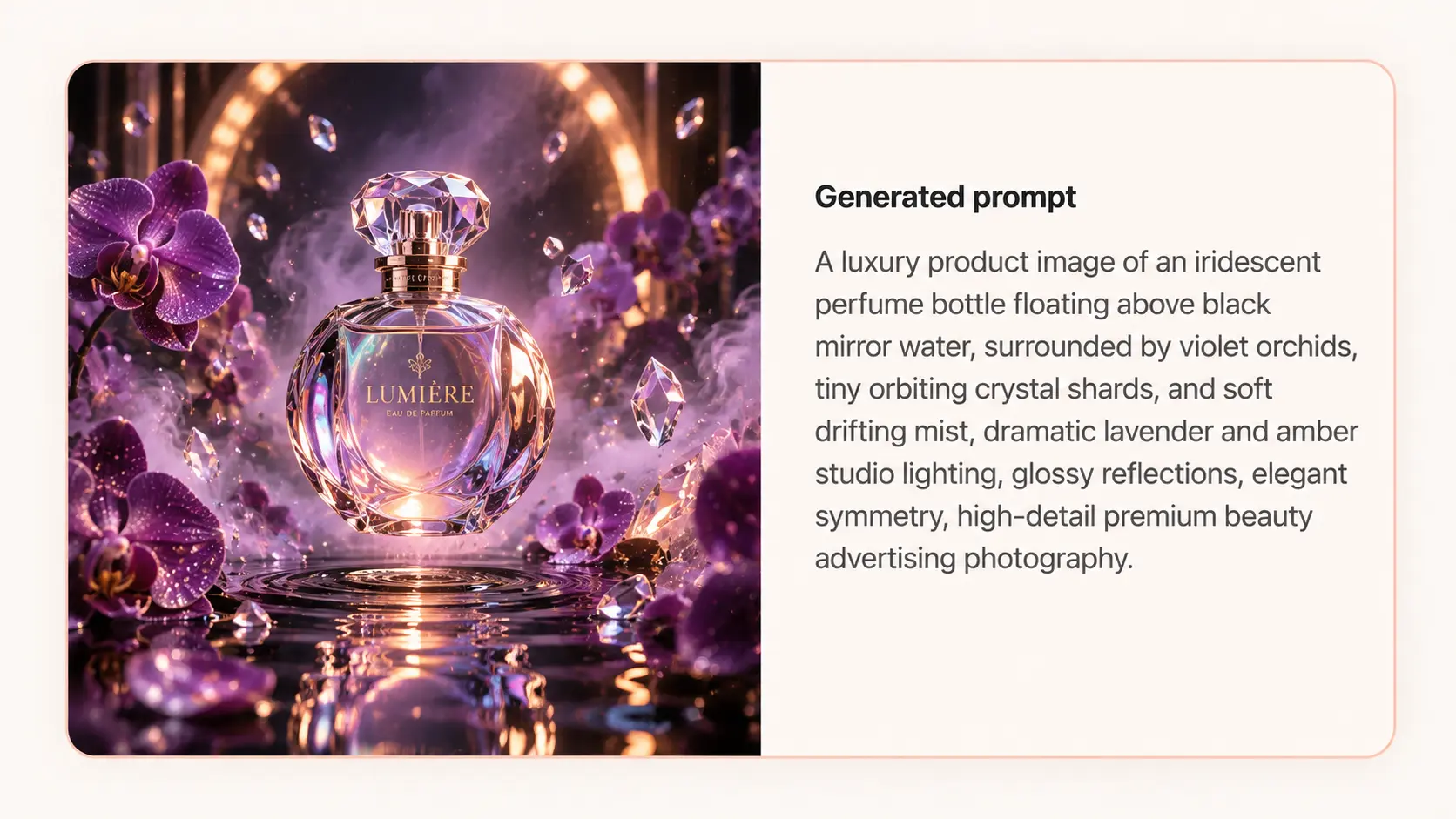
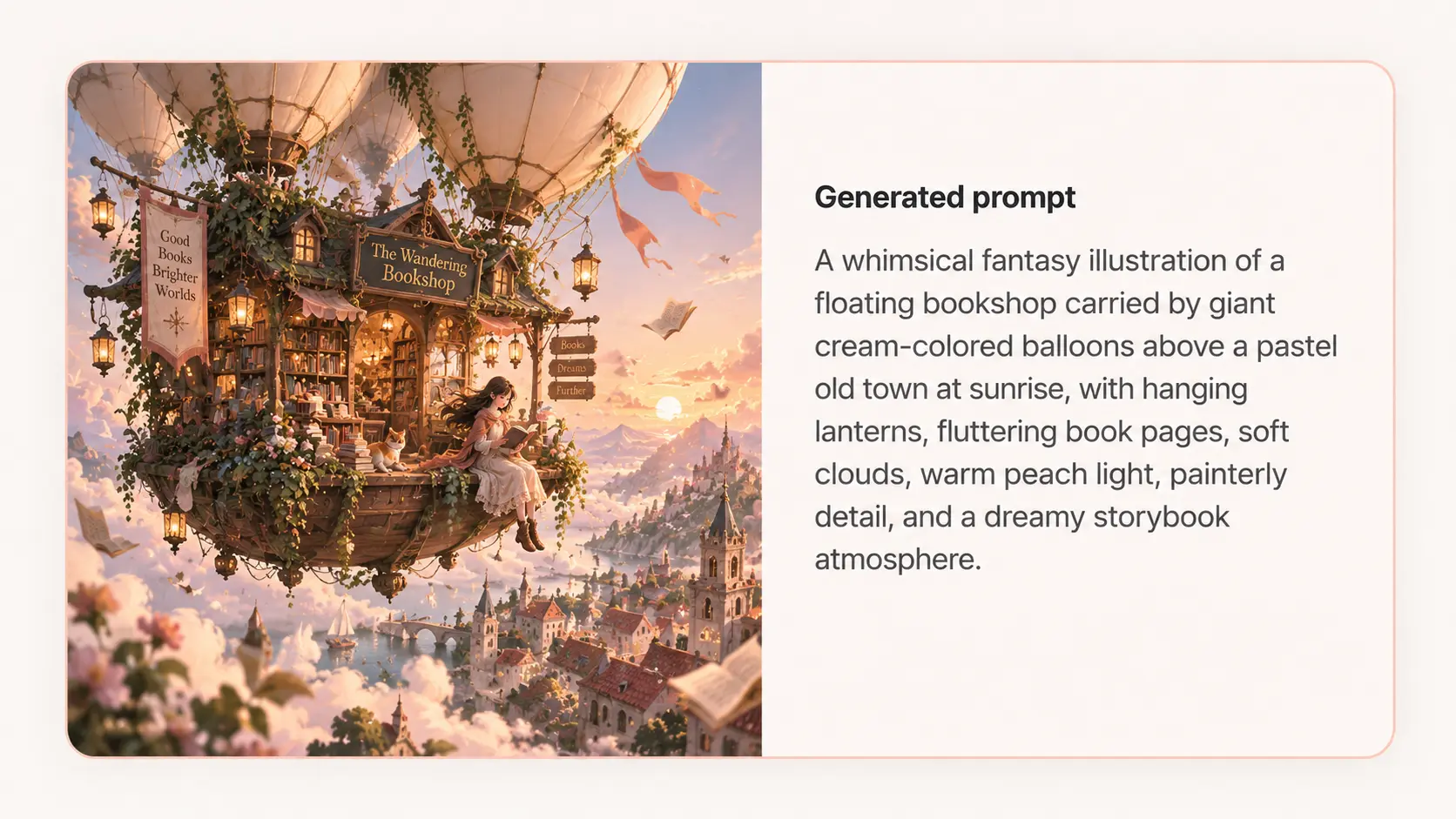
Reference images paired with generated English prompts. Inspect each description before using it in a new generation.
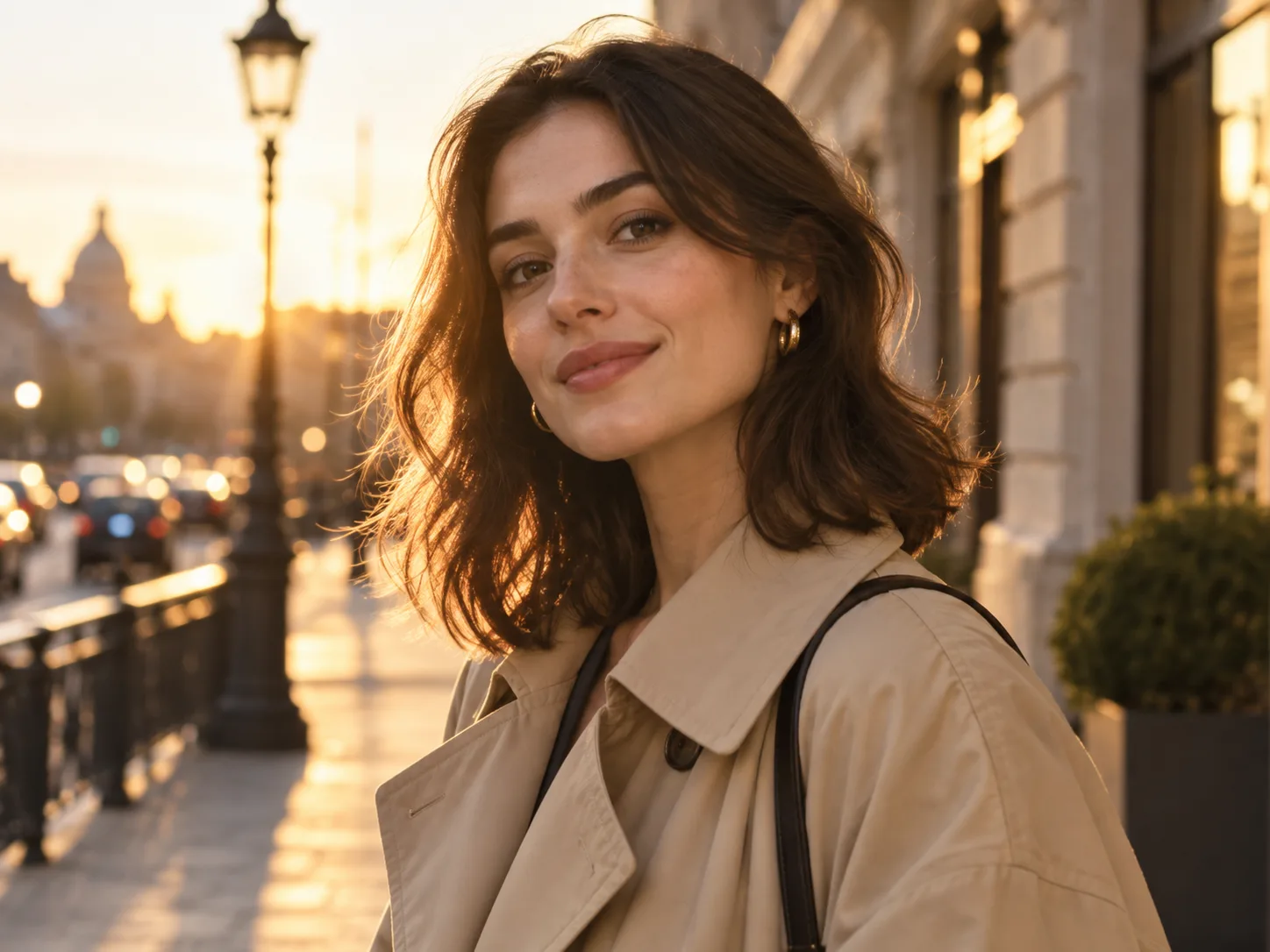
A realistic editorial portrait of a young woman with shoulder-length dark brown hair, wearing a beige trench coat and small gold earrings, softly smiling, chest-up framing, shallow depth of field, softly blurred city background, warm golden-hour lighting, natural skin texture, modern lifestyle photography.
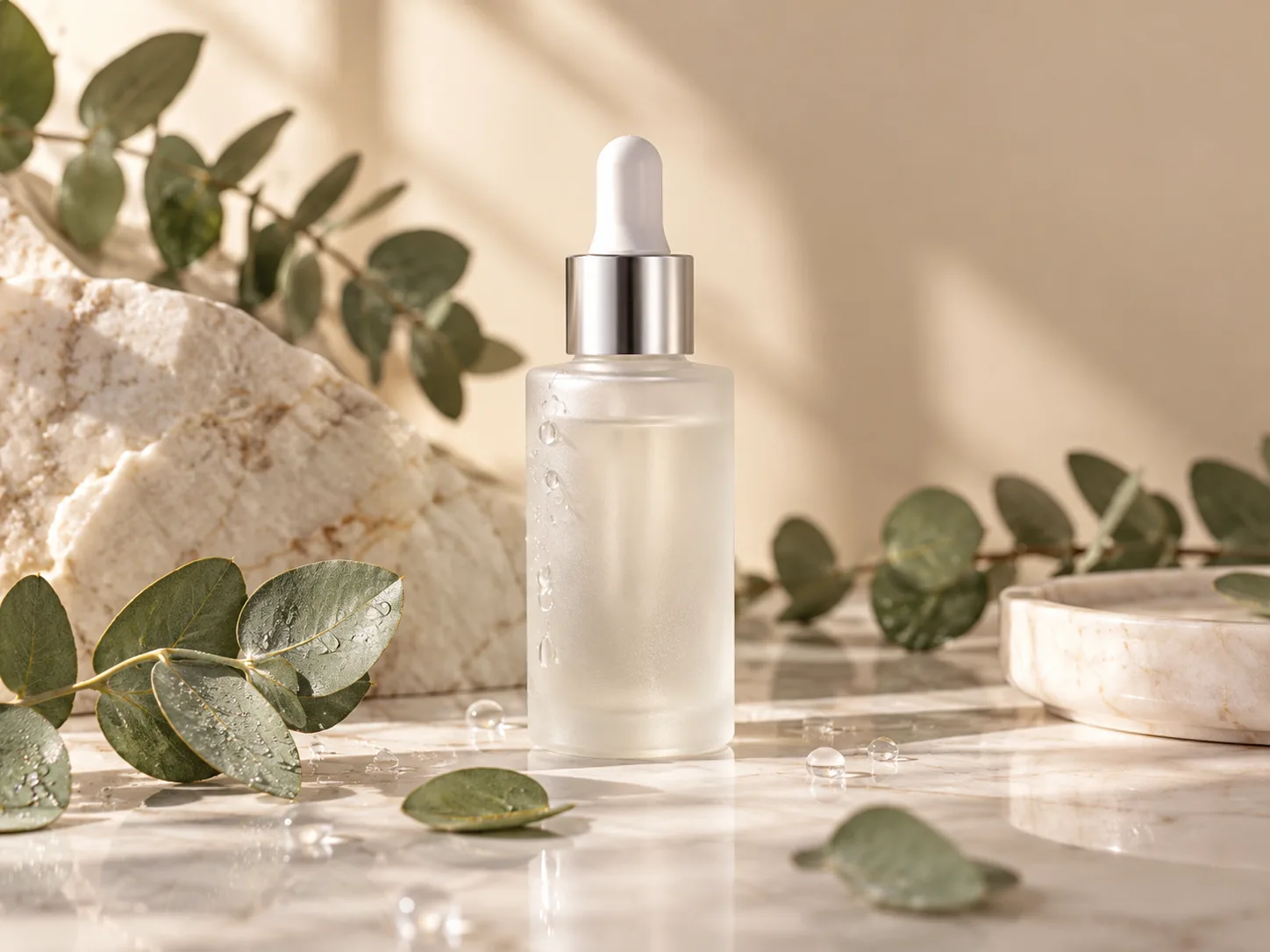
A premium skincare product photo featuring a frosted glass serum bottle with a silver dropper cap on a light marble surface, accented by water droplets and eucalyptus leaves, soft morning sunlight, subtle shadows, clean beige background, minimal luxury styling, shallow depth of field, high-end commercial beauty photography.
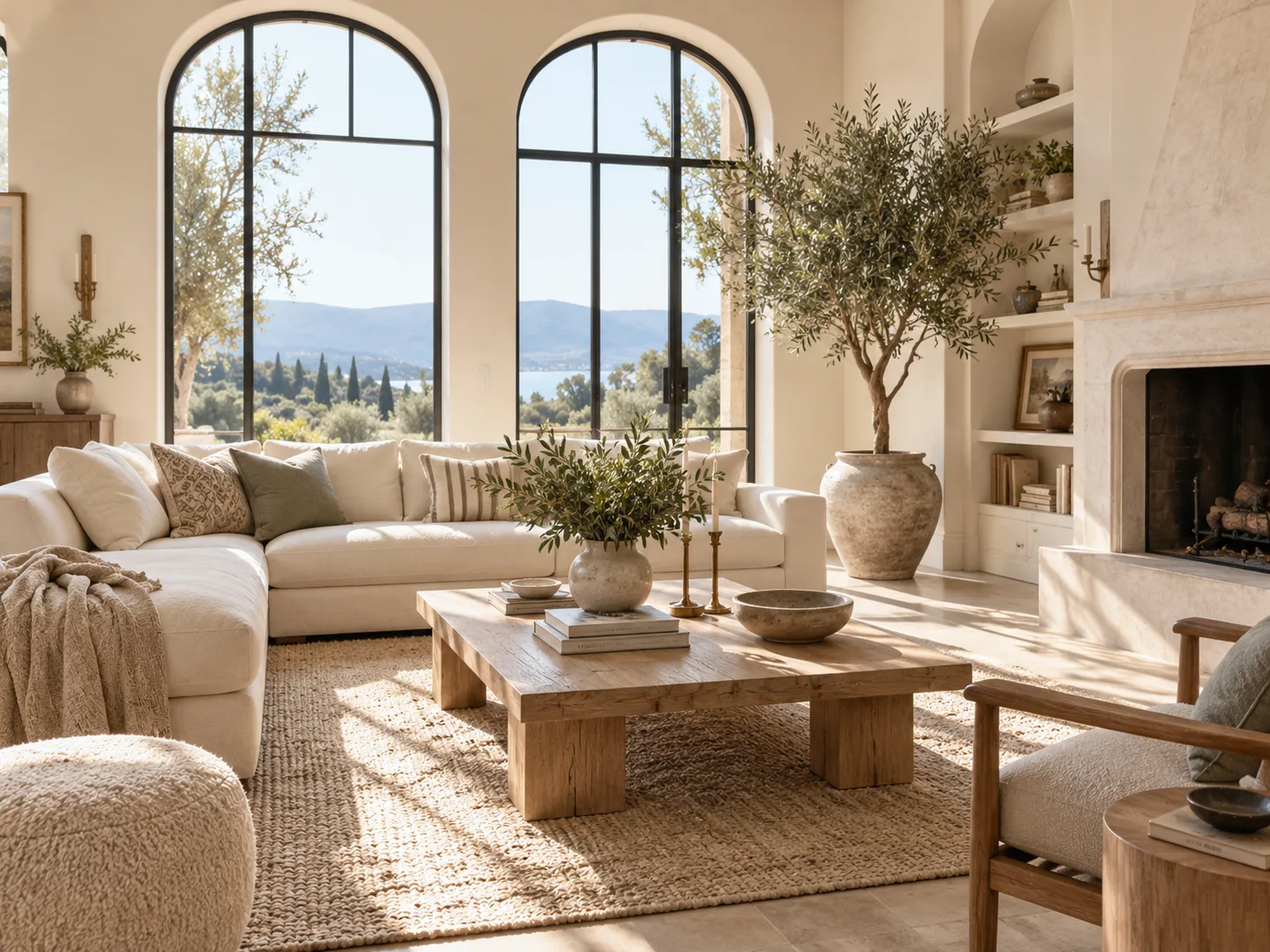
A bright modern living room with large arched windows, a cream sofa, a light wood coffee table, a textured rug, a tall indoor olive tree, and soft neutral decor, illuminated by natural sunlight, airy atmosphere, balanced composition, clean and elegant photorealistic interior photography.
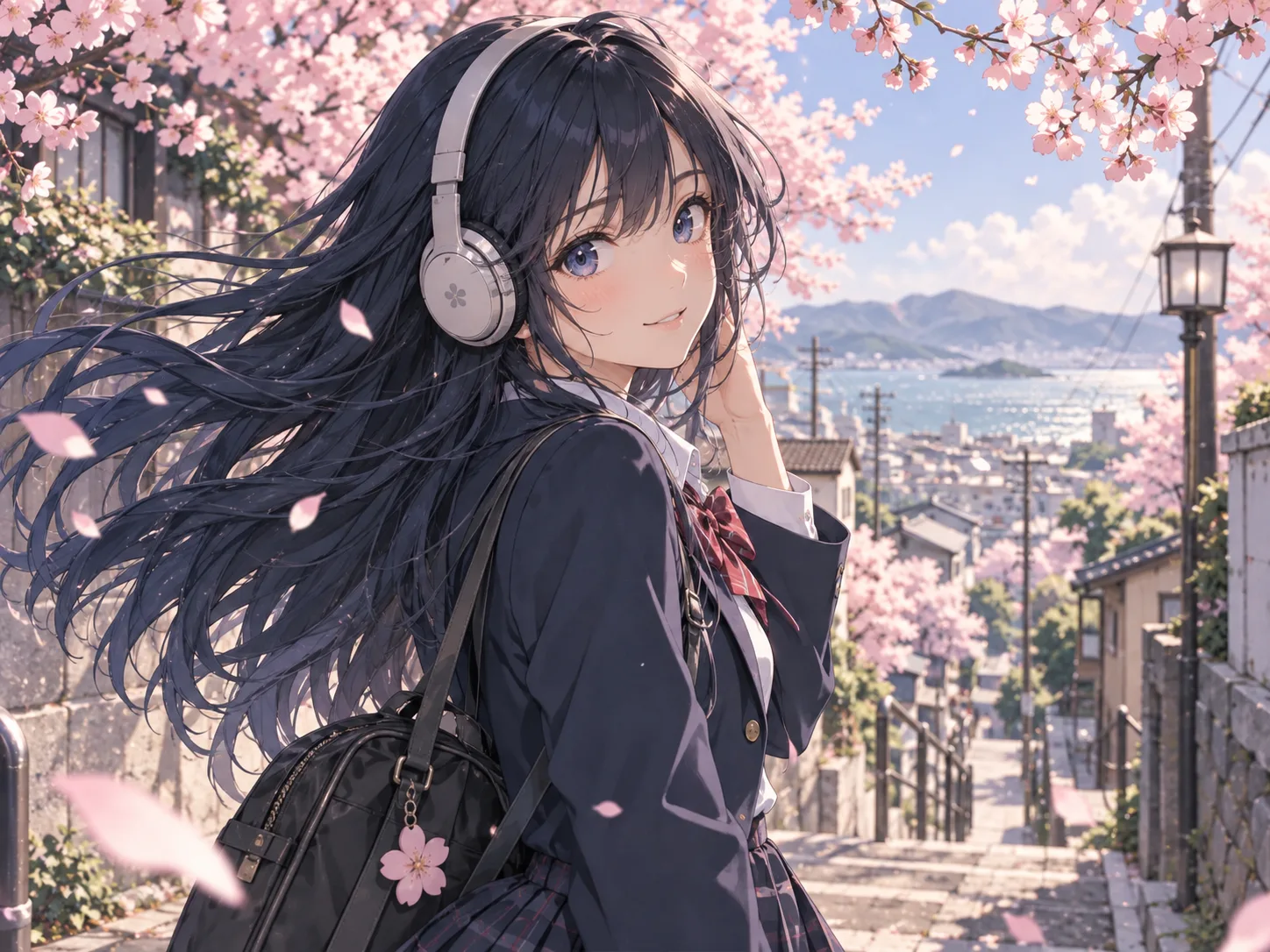
A vibrant anime-style illustration of a teenage girl with long blue-black hair, wearing a modern school uniform and over-ear headphones, standing beneath blooming cherry blossoms on a spring street, expressive eyes, soft breeze, clean line art, polished cel shading, pastel sky, charming detailed character illustration.
FAQ
Practical answers about uploading references, generated text and usage credits.
An image to prompt generator turns visible elements of a reference image into a written AI prompt. It describes subjects, composition, lighting, colors and style so you can copy the result into an image tool.
Each signed-in account gets one free successful image-to-prompt generation. Every successful generation after that costs 1 credit. This is a one-time allowance, not a daily reset or unlimited plan.
Upload one JPG, PNG or WEBP image up to 10 MB, sign in, and select Generate prompt. Large reference images are resized proportionally for analysis without cropping.
Yes. Edit the English text in the result box, copy it, or choose Use in Image to Image to keep the reference and continue creating. Optional negative prompts can be copied for tools that support them.
No. It writes a new description from visible evidence. It cannot recover an original prompt, seed, exact camera model or hidden generation settings. Review small details and text before reuse.
You can analyze portraits, products, interiors, scenes and illustrations. Complex layouts, tiny text and ambiguous styles may need manual corrections; similar output is not guaranteed.
The first step generates text only. Switch the shared workspace to Image to Image to create a new image with the original reference and edited prompt. Image generation uses its own displayed credit price.
Yes. Both language versions produce an English prompt. The interface and instructions are localized; the result remains editable English text for reuse in image tools.
Yes. The generated English prompt can be copied into AI image generators that accept text prompts, including tools such as Midjourney, FLUX, and Stable Diffusion. You may need to adjust model-specific parameters or syntax for the best result.
Yes. Searches such as “img to prompt” or “images to prompt” usually refer to the same workflow: uploading an image and turning its visual details into a reusable AI prompt.
A failed request does not consume the free use. Paid failures restore the reserved credit, subject to the original subscription credit expiry. After an interrupted connection, check the same request again before starting another.
More tools
Use a reference image to create new styles, scenes, and visual variations.
Create original images from text prompts without uploading a reference image.
Replace, remove, or change specific image details with a text prompt.
Turn a photo into anime, manga, chibi, and other illustrated styles.
Create a new outfit from a person photo, prompt, or clothing reference image.
Improve photo clarity, resolution, and fine details online.