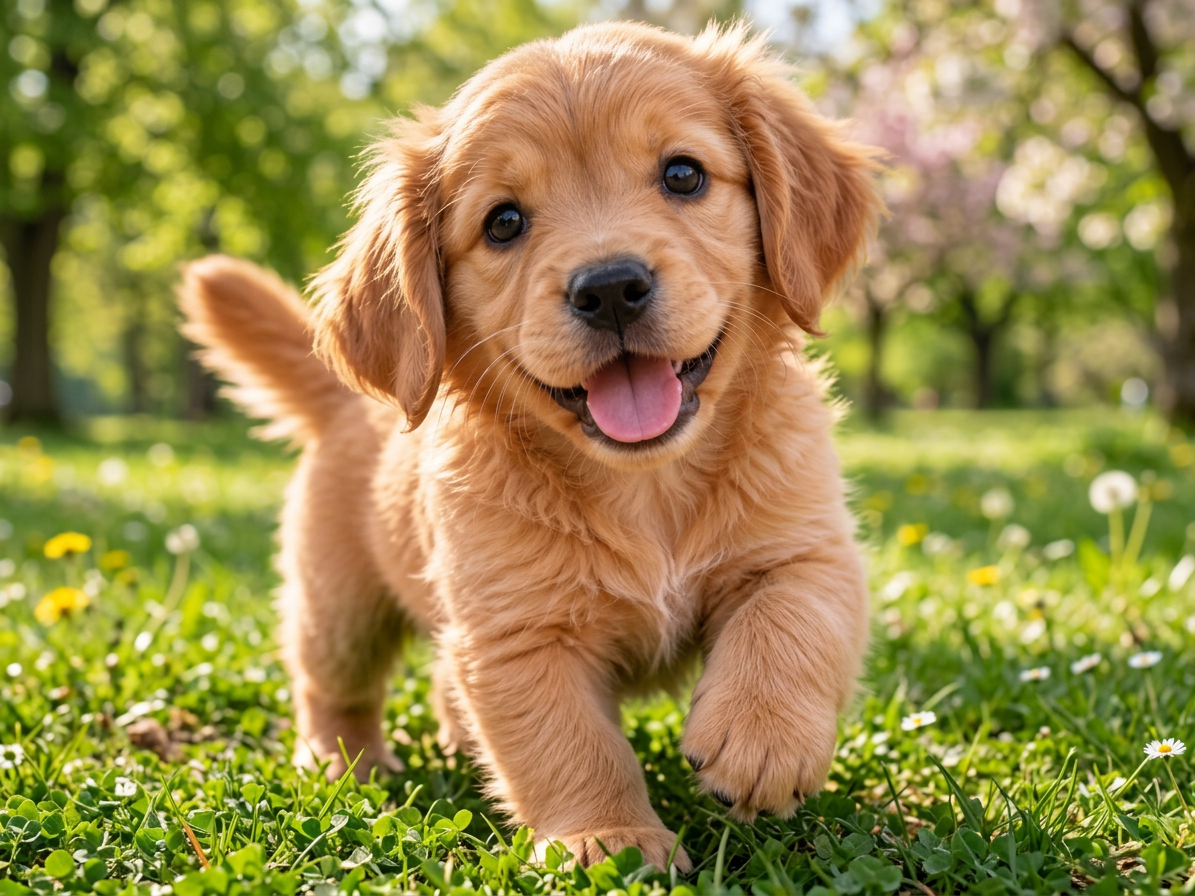
Text to Image Generation
Turn a simple text prompt into detailed, realistic images for creative projects, marketing, and social media.
Create AI images from text or upload your photos to edit with Google's Nano Banana 2.1. Generate realistic visuals, replace backgrounds, change outfits, and create images in up to 4K. New users get one free 1K image generation or edit after signing in with Google.
Describe the image you want to create.
Sign in for 10 free credits · one image generation or image edit
The Short Answer
You can use Nano Banana 2.1 online at ImageToImageAI to generate images from text or edit your own photos. Simply enter a prompt or upload an image, choose your settings, and generate directly in your browser—no app download or API key required. New users get one free 1K generation or edit after signing in with Google, with no credit card or subscription required to try it. Higher resolutions and additional generations use credits.
Nano Banana 2.1 is Google's AI image generation and editing model, released in October 2026. Built on Gemini 3.6 Flash, it creates images from text prompts and edits existing photos with natural-language instructions.
Compared with Nano Banana 2, it improves image quality, prompt accuracy, character consistency, and text rendering. Nano Banana 2.1 also supports high-resolution images up to 4K, making it useful for everything from social media visuals to product photography and creative design.
Turn a simple text prompt into detailed, realistic images for creative projects, marketing, and social media.
Upload a photo and describe the changes you want. Replace backgrounds, change outfits, adjust lighting, or restyle your image.
Use reference images to maintain recognizable character details across different scenes, poses, and creative variations.
Combine subjects, products, and visual references into a single image using natural-language instructions.
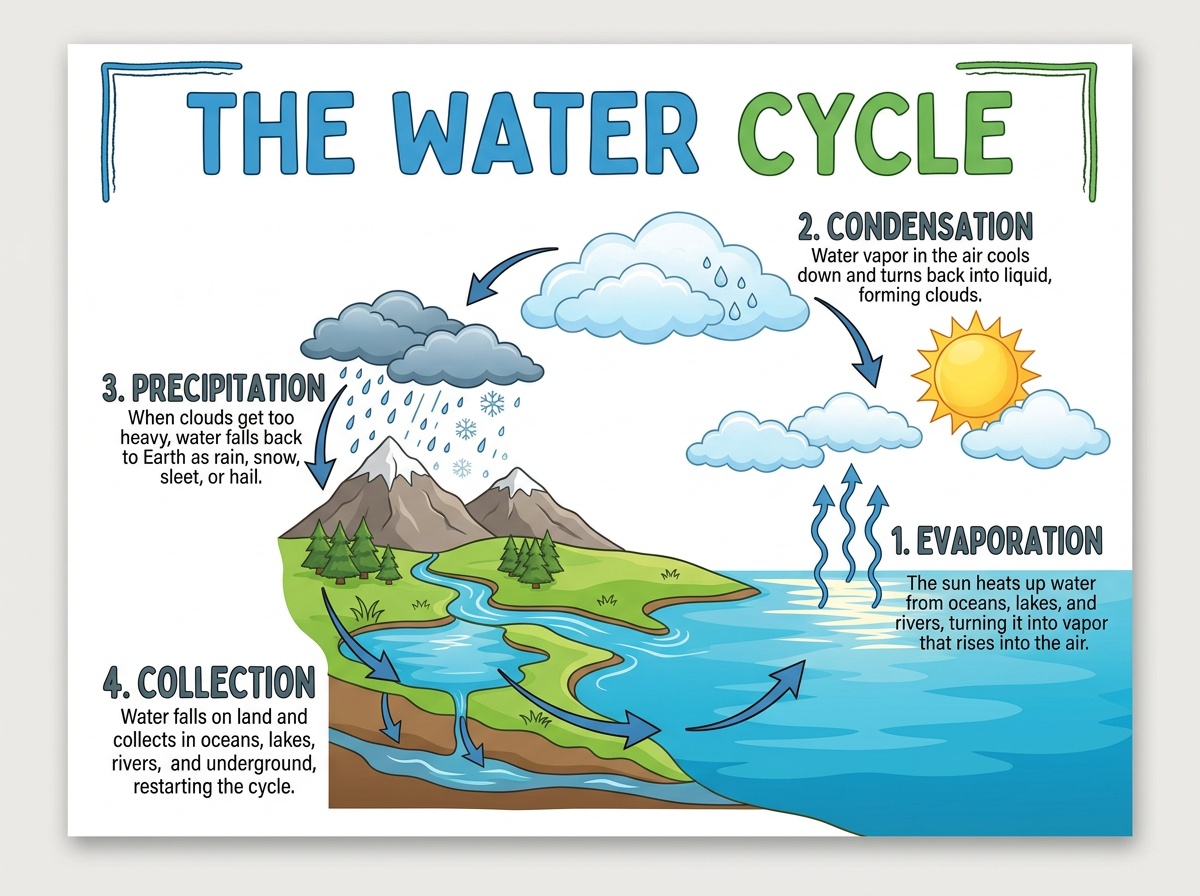
Create posters, advertisements, and infographics with improved text accuracy and layout control.
Generate images in 1K, 2K, or 4K with flexible aspect ratios for different creative formats.
Create a new AI image from text or edit an existing photo with Nano Banana 2.1 in three simple steps.
Select Text to Image to create an image from a written description, or switch to Image Edit to upload a photo and make changes using AI.
Describe what you want to generate or change. For photo editing, specify which details to preserve. Select your preferred aspect ratio and output resolution.
Sign in with Google, generate your image using Nano Banana 2.1, and review the result. Download your image or refine your prompt to create another version.
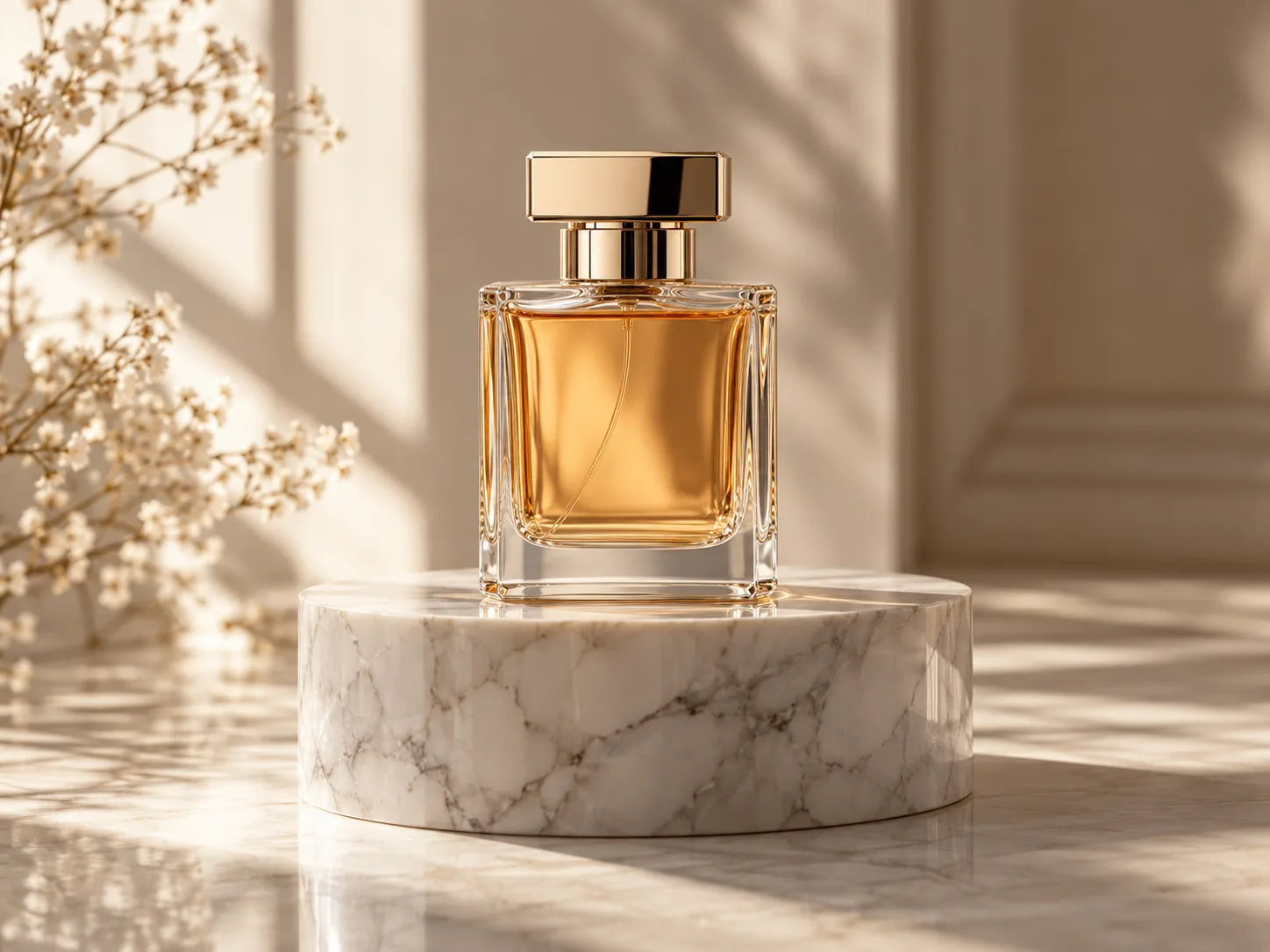
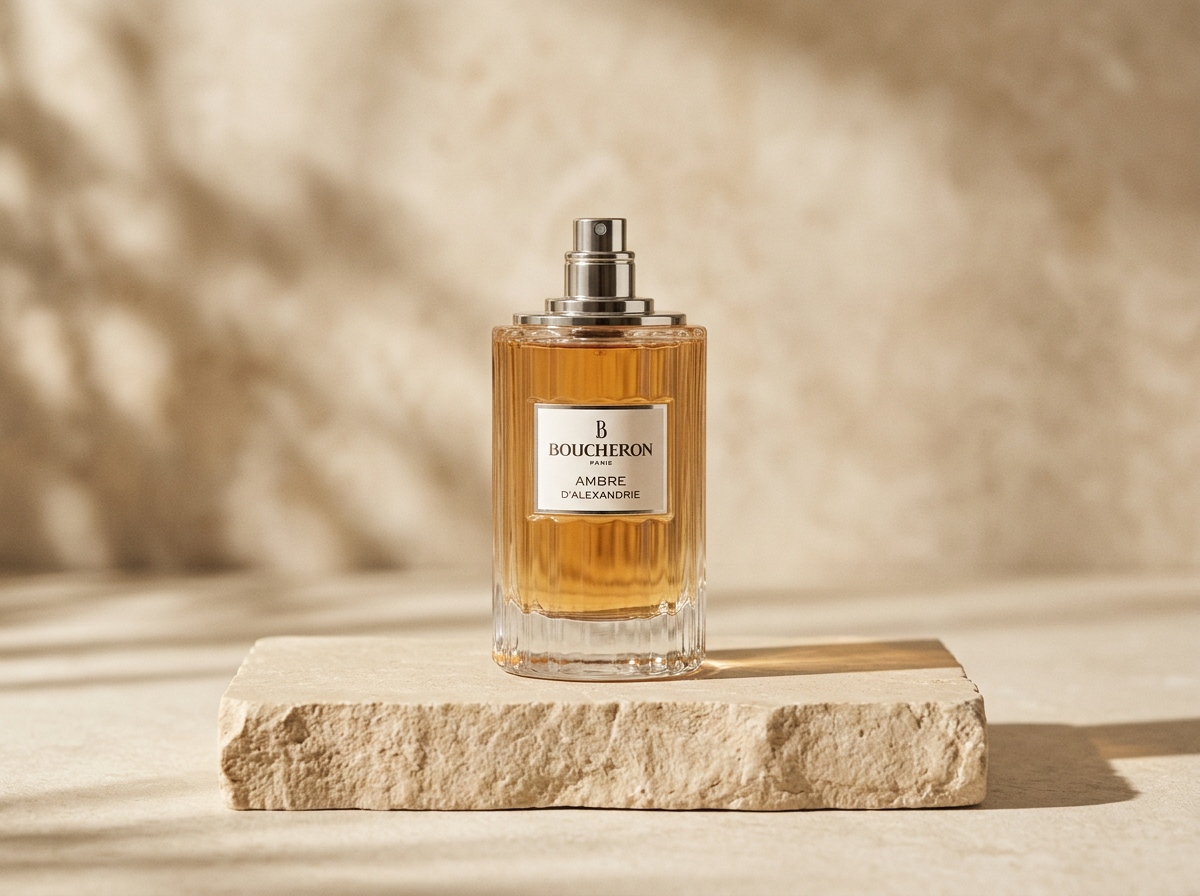
Create a premium product advertisement featuring a luxury perfume bottle on a marble pedestal, with natural lighting and soft shadows.
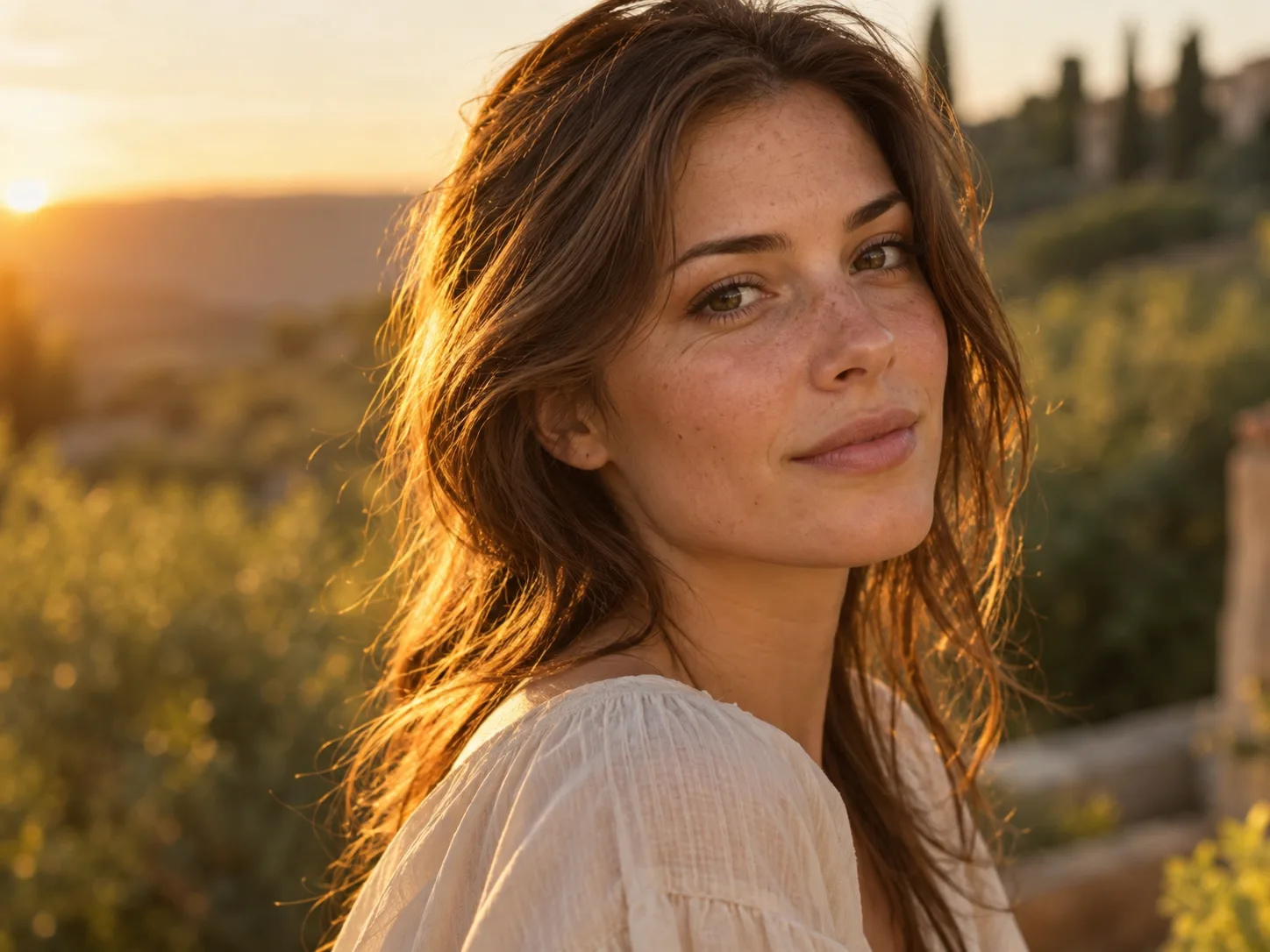
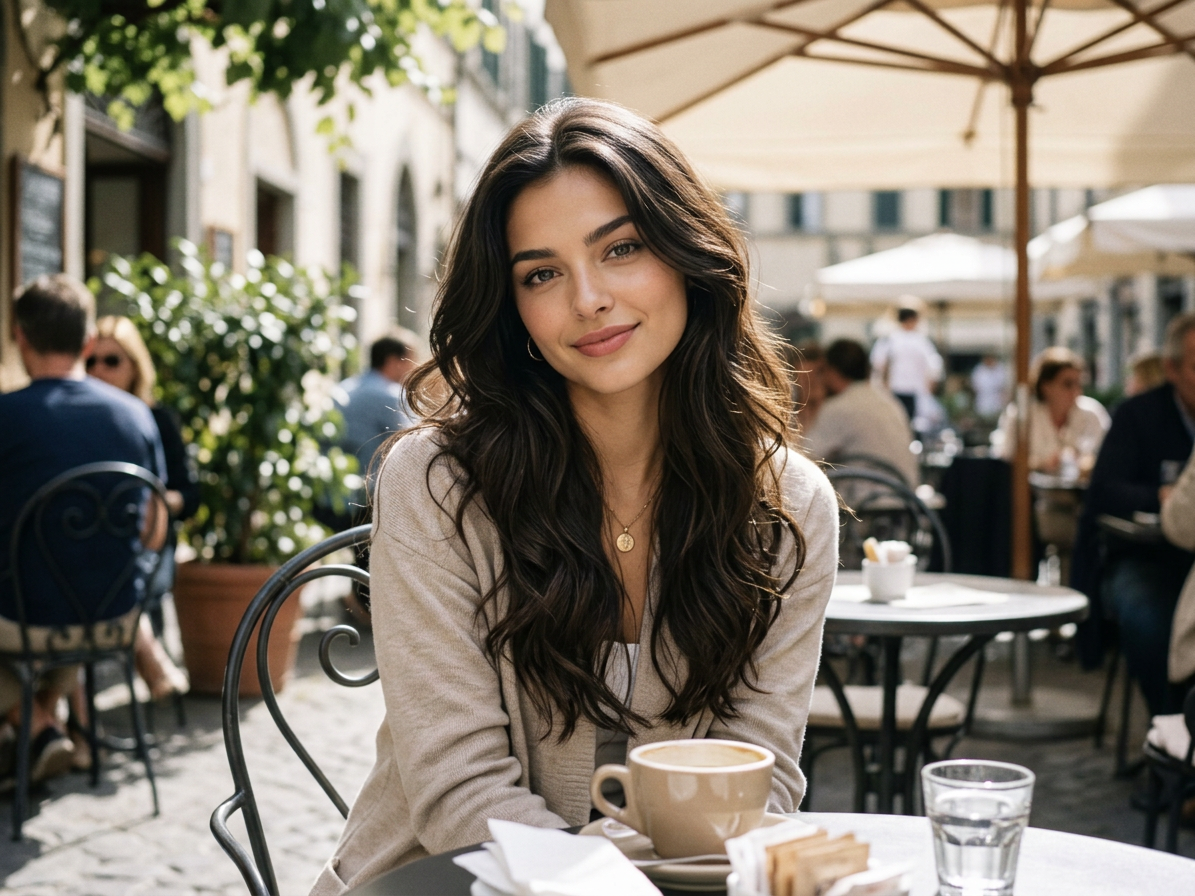
Generate a realistic editorial portrait of a young woman in soft golden-hour sunlight, with natural skin texture and cinematic composition.
 Before
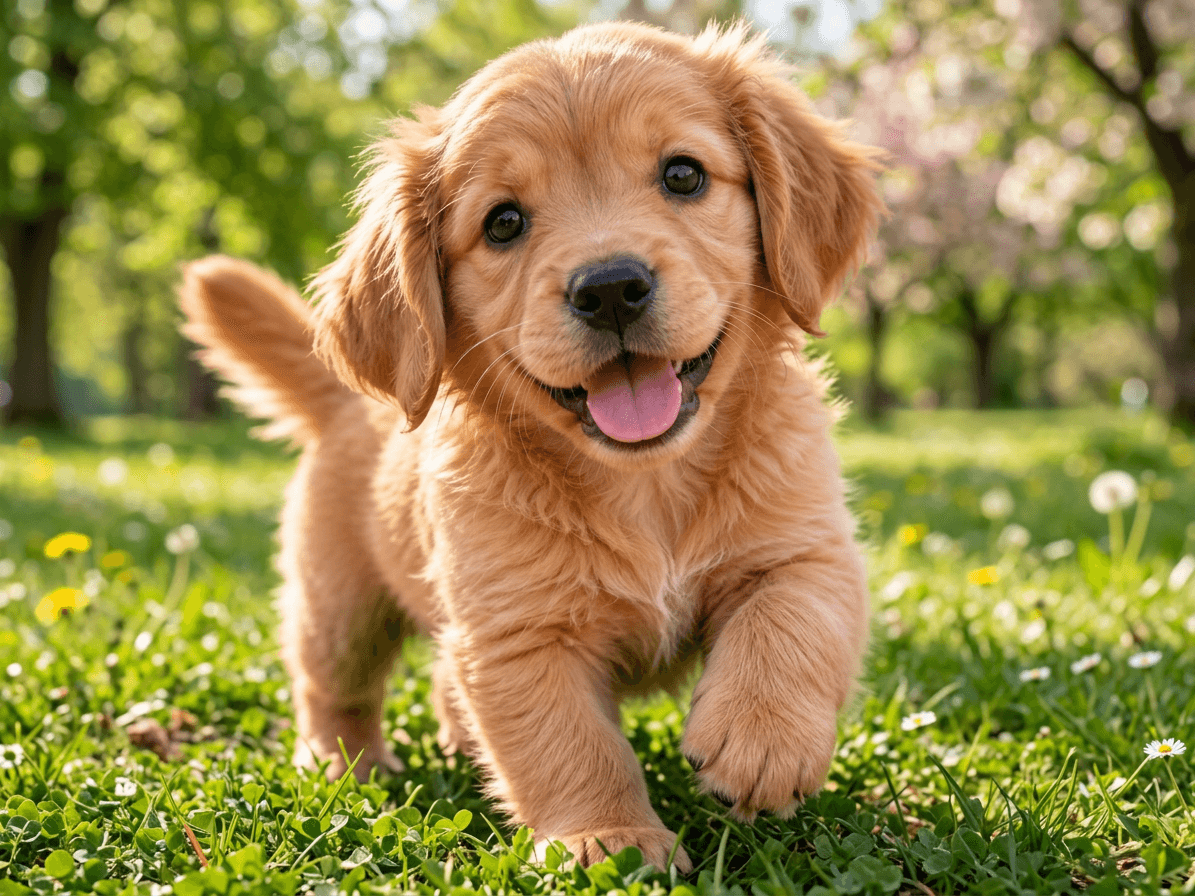 After
AfterReplace the background with a beautiful spring park. Preserve the exact subject, pose, facial features, and camera angle.
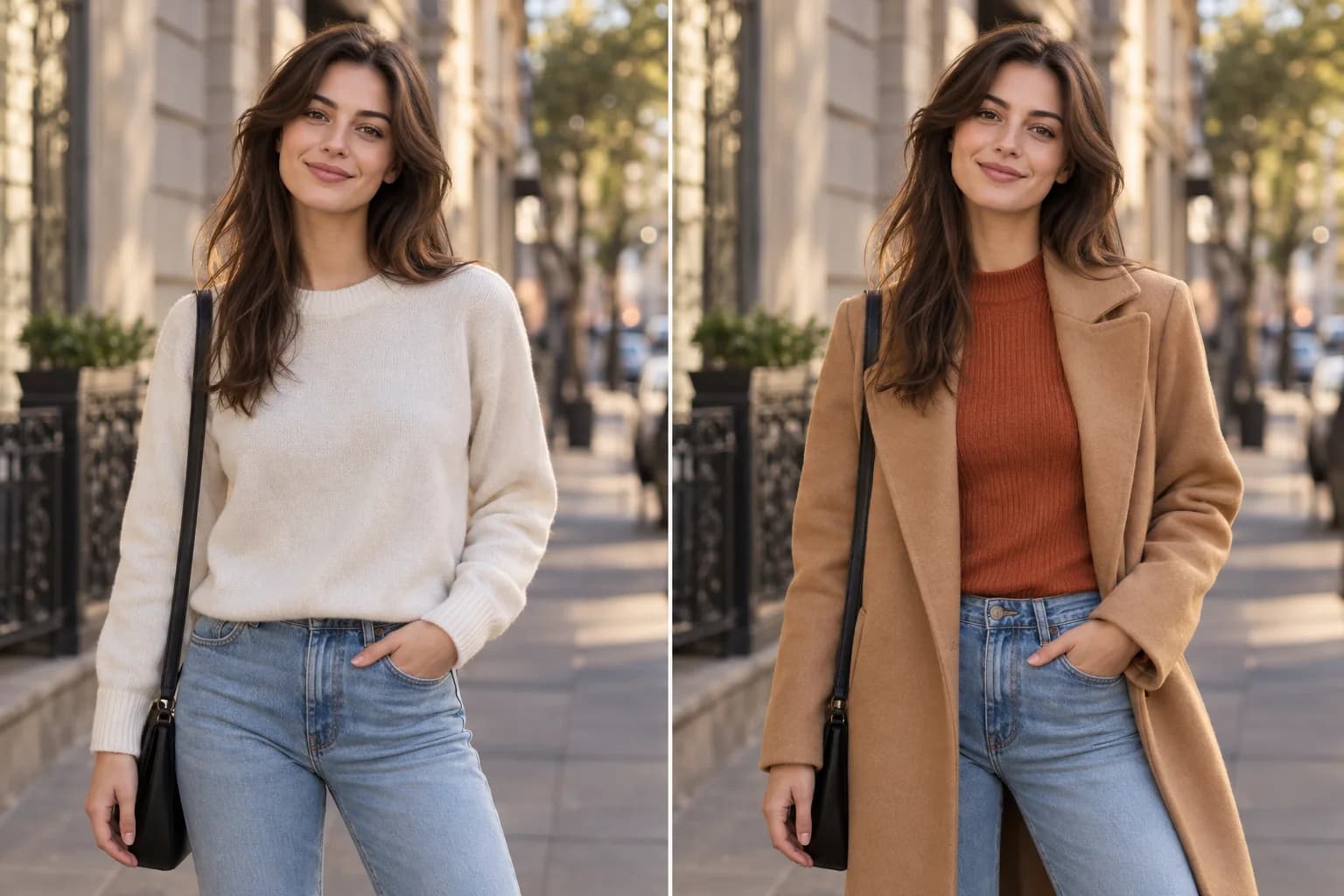
Change the person's clothing to an elegant black evening dress. Keep the same face, hairstyle, body proportions, and pose.
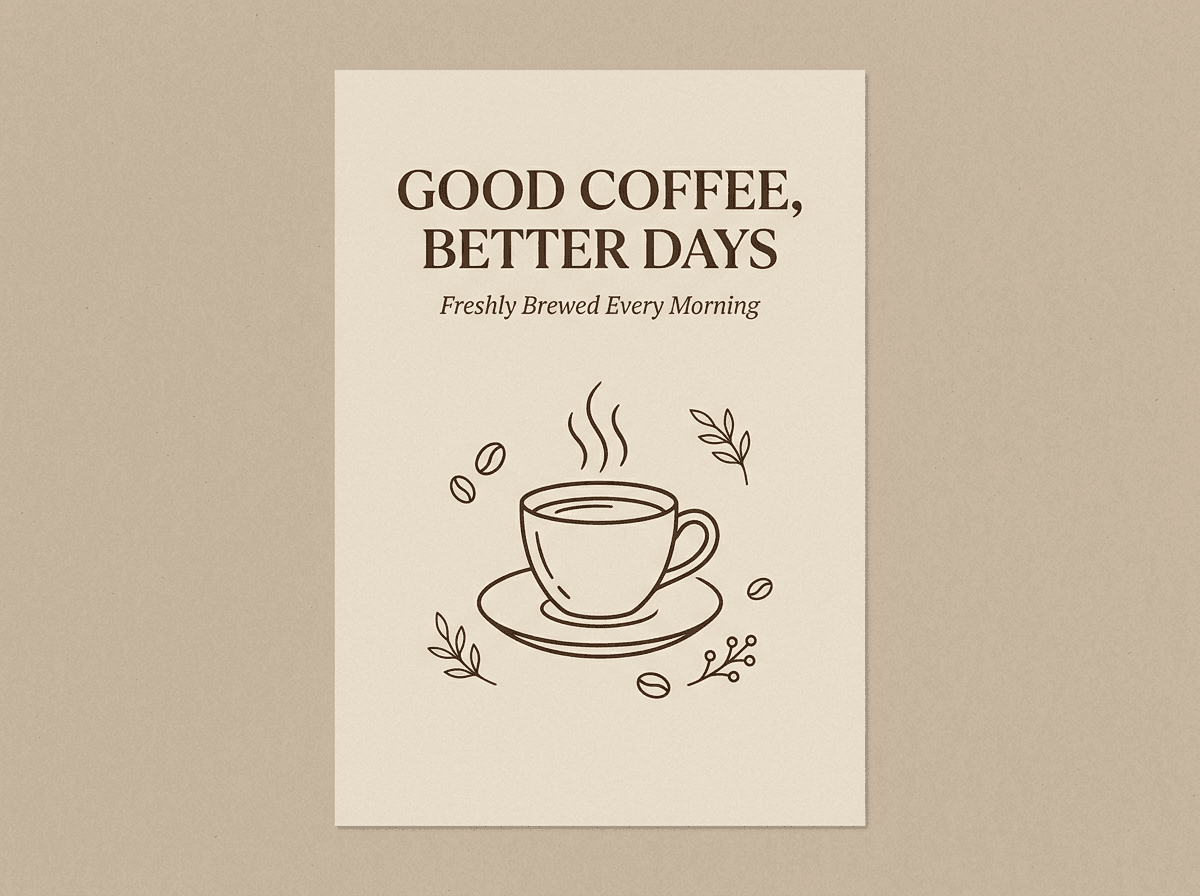
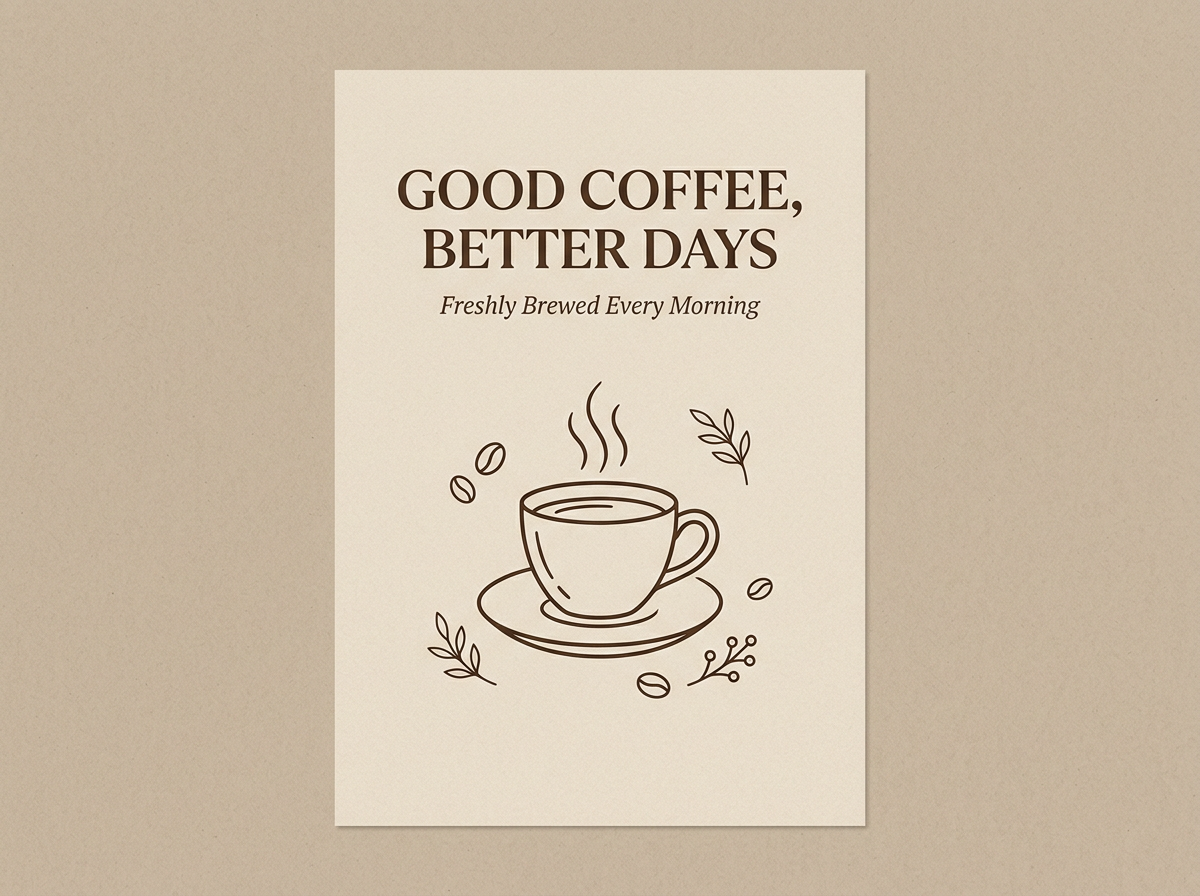
Design a minimalist coffee poster with the exact headline "GOOD COFFEE, BETTER DAYS" and a clean editorial layout.
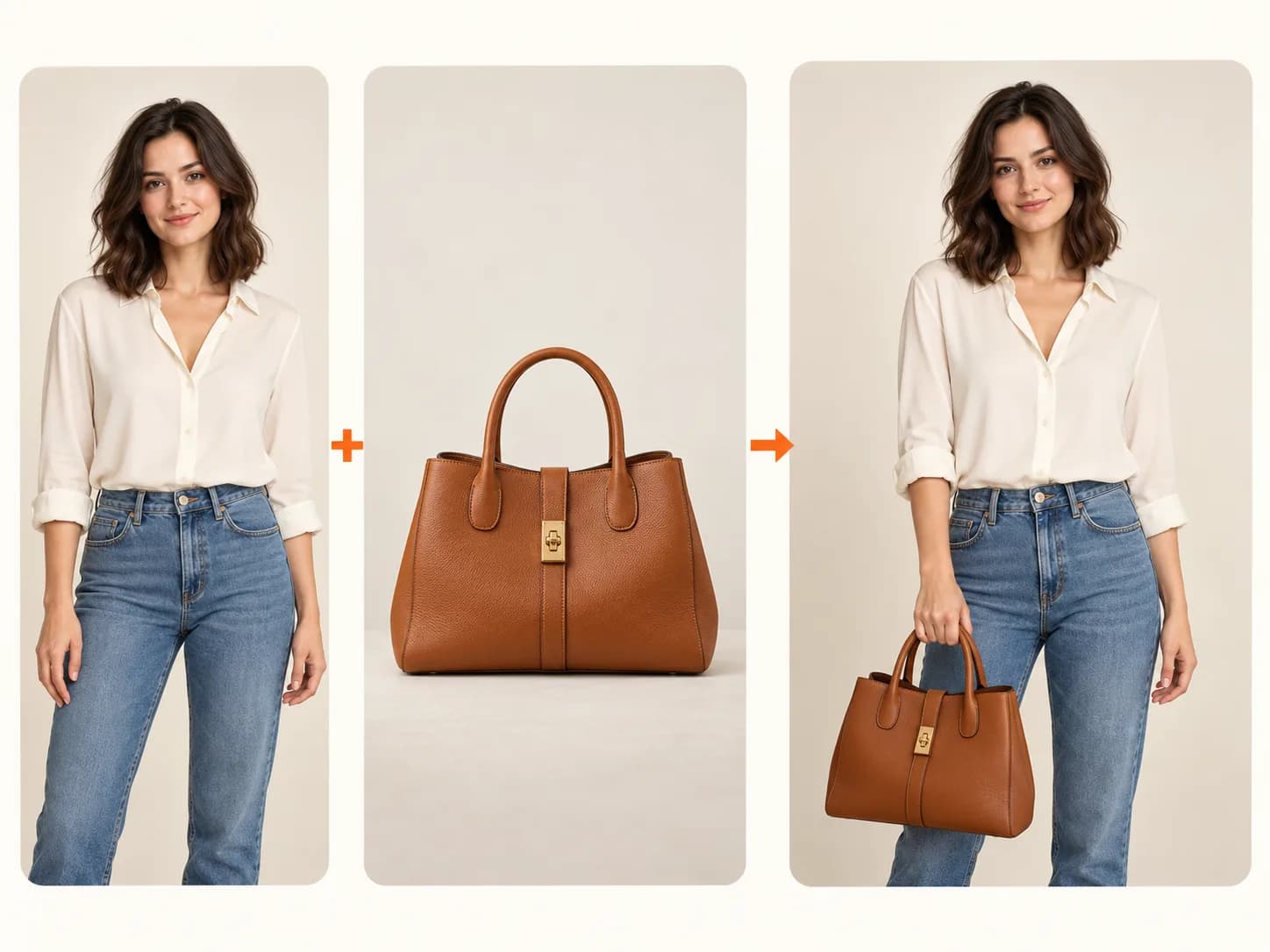
Combine the person from image 1 with the handbag from image 2. Preserve the person's identity and the handbag's shape and color.
Nano Banana 2.1 focuses on efficient, high-quality image generation and editing, while Nano Banana Pro is designed for demanding creative workflows.
Nano Banana 2.1 is a strong starting point for everyday image generation, photo editing, and visual content creation. Nano Banana Pro remains worth trying for projects that require specialized creative control.
Want to see the differences in image quality, pricing, and editing results? Read our complete Nano Banana 2.1 vs Pro comparison.
Nano Banana 2.1 is Google's AI image generation and editing model, released in October 2026. It lets you create images from text prompts, edit existing photos, combine multiple reference images, and generate high-resolution visuals up to 4K.
You can use Nano Banana 2.1 directly on ImageToImageAI. Simply enter a text prompt or upload an image, select your preferred resolution and aspect ratio, and click Generate. No software installation or technical skills are required.
Yes! New users can generate one 1K image for free with Nano Banana 2.1 after signing in with Google. No credit card is required. You can use your free allowance for text-to-image generation or basic photo editing. Higher resolutions, additional reference images, and further generations may require more credits.
Yes. Nano Banana 2.1 supports AI image editing using natural-language instructions. You can upload a photo to replace backgrounds, change outfits, remove objects, adjust lighting, or transform artistic styles while asking the model to preserve important details.
Yes. Nano Banana 2.1 supports multiple reference images, allowing you to combine subjects, products, styles, and visual elements into a single image. The number of images you can upload depends on the limits supported by the tool and your plan.
Yes. Nano Banana 2.1 supports 1K, 2K, and 4K image generation. You can choose the resolution that best fits your needs, from social media graphics to detailed product visuals. Higher resolutions may require more credits.
Nano Banana 2.1 offers excellent image generation and editing quality at a lower cost, making it a strong choice for everyday creative tasks. Nano Banana Pro remains useful for demanding professional workflows. The best model depends on your specific requirements. Read our complete Nano Banana 2.1 vs Pro comparison.
No. Nano Banana 2.1 works entirely online through ImageToImageAI. You can generate and edit images directly in your browser without downloading software, installing an app, or configuring an API key. Simply sign in and start creating.
Yes. You can try Nano Banana 2.1 on ImageToImageAI without purchasing a subscription. New users get one free 1K image generation or edit after signing in with Google. No credit card is required to get started. Additional generations and higher resolutions use credits.
Yes. Upload your photo and describe the changes you want while specifying that the person's face, hairstyle, expression, or pose should remain unchanged. Nano Banana 2.1 supports character-consistent image editing, although exact preservation is not guaranteed in every result.
More tools
Use a reference image to create new styles, scenes, and visual variations.
Create original images from text prompts without uploading a reference image.
Replace, remove, or change specific image details with a text prompt.
Turn visible image details into an editable, reusable AI prompt.
Turn a photo into anime, manga, chibi, and other illustrated styles.
Create a new outfit from a person photo, prompt, or clothing reference image.
Improve photo clarity, resolution, and fine details online.
Turn your ideas into stunning AI images with Nano Banana 2.1. New users get one free 1K image generation after signing in with Google.