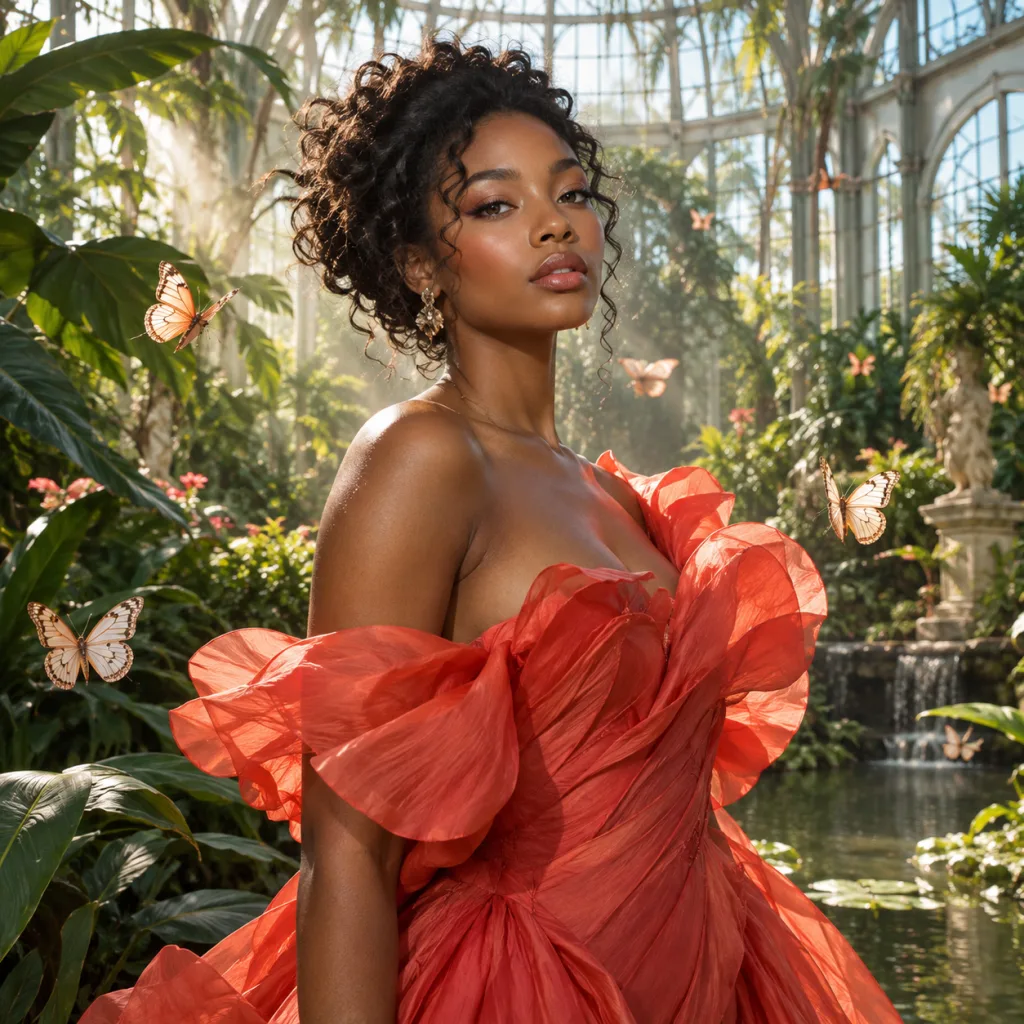
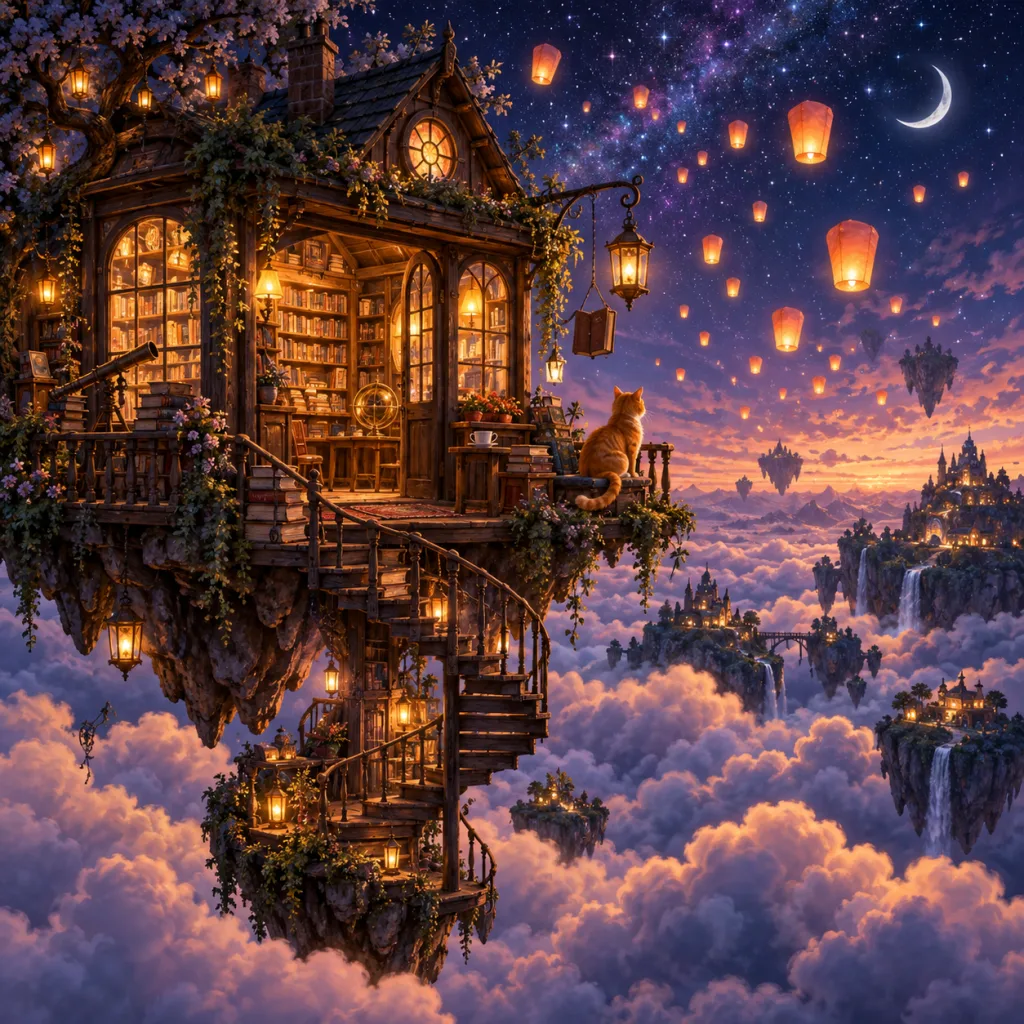
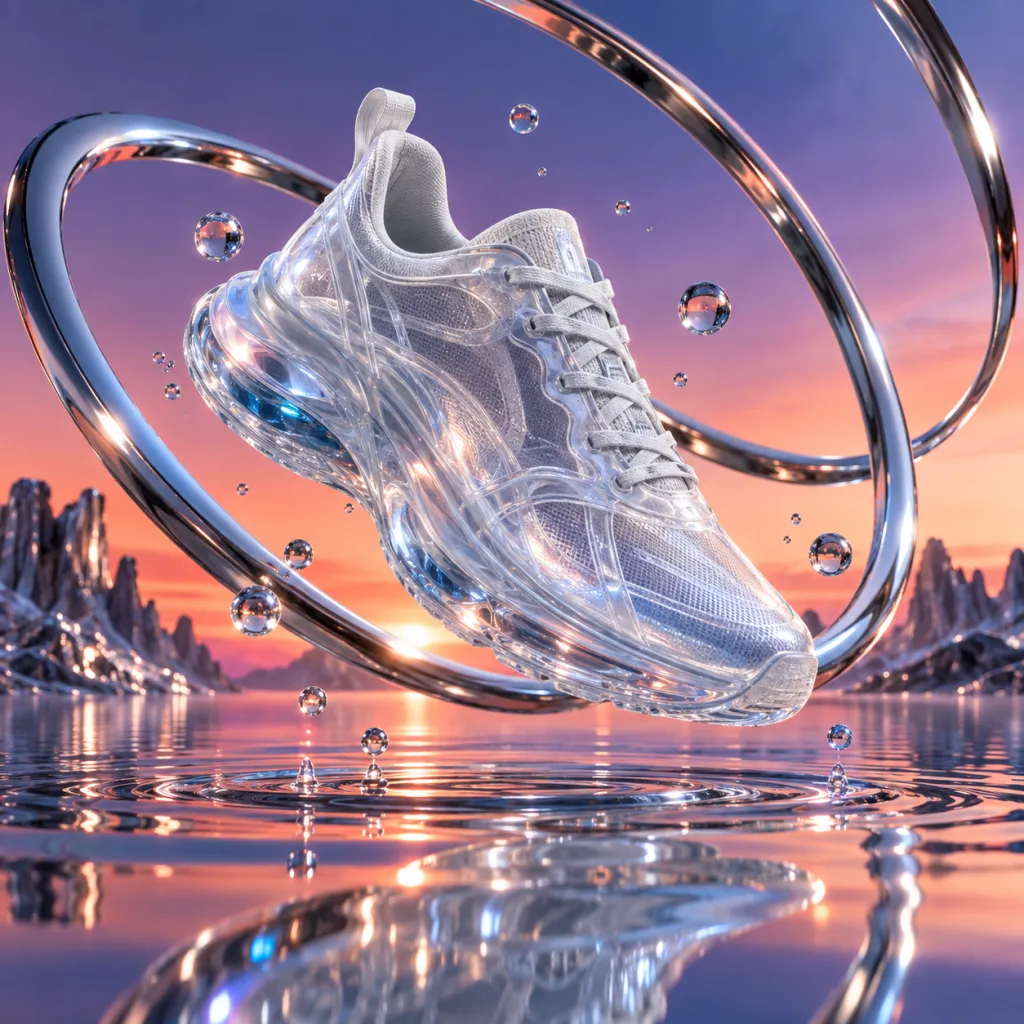
Text to Image Generation
Turn a written prompt into an original image. Describe the subject, setting, style, lighting, and composition you want to see.
Text to image AI
Create original images from a text prompt. Choose your model, aspect ratio, and resolution without uploading a reference image.
Describe the image you want to create.
Sign in to get your first free image
What it is
An AI image generator turns a written description into an original visual. Describe the subject, setting, style, lighting, and composition, then use the generated result to explore your idea.
Turn a written prompt into an original image. Describe the subject, setting, style, lighting, and composition you want to see.
Use everyday language to explore visual ideas without drawing the image yourself or learning a complex design workflow.
Create images in your browser with no software installation. Sign in to start a generation and manage your results in one workspace.
Choose an available AI model, aspect ratio, and 1K, 2K, or 4K resolution before you generate.
How it works
Create an image from a text prompt in three steps. Start with the idea, choose the output settings, and refine the result when you want another direction.
Describe the main subject first, then add the setting, action, visual style, lighting, colors, and composition. Specific instructions give the generator more direction.
Select the AI image model, aspect ratio, and resolution that fit your idea. Use a smaller output for exploration and a higher resolution when you need more detail.
Generate the image, review the result, and adjust the prompt when you want a different direction. You can create another variation from a clearer description.
Use cases
Use text to image generation to explore photos, pictures, art, product concepts, and visual ideas for everyday creative work.
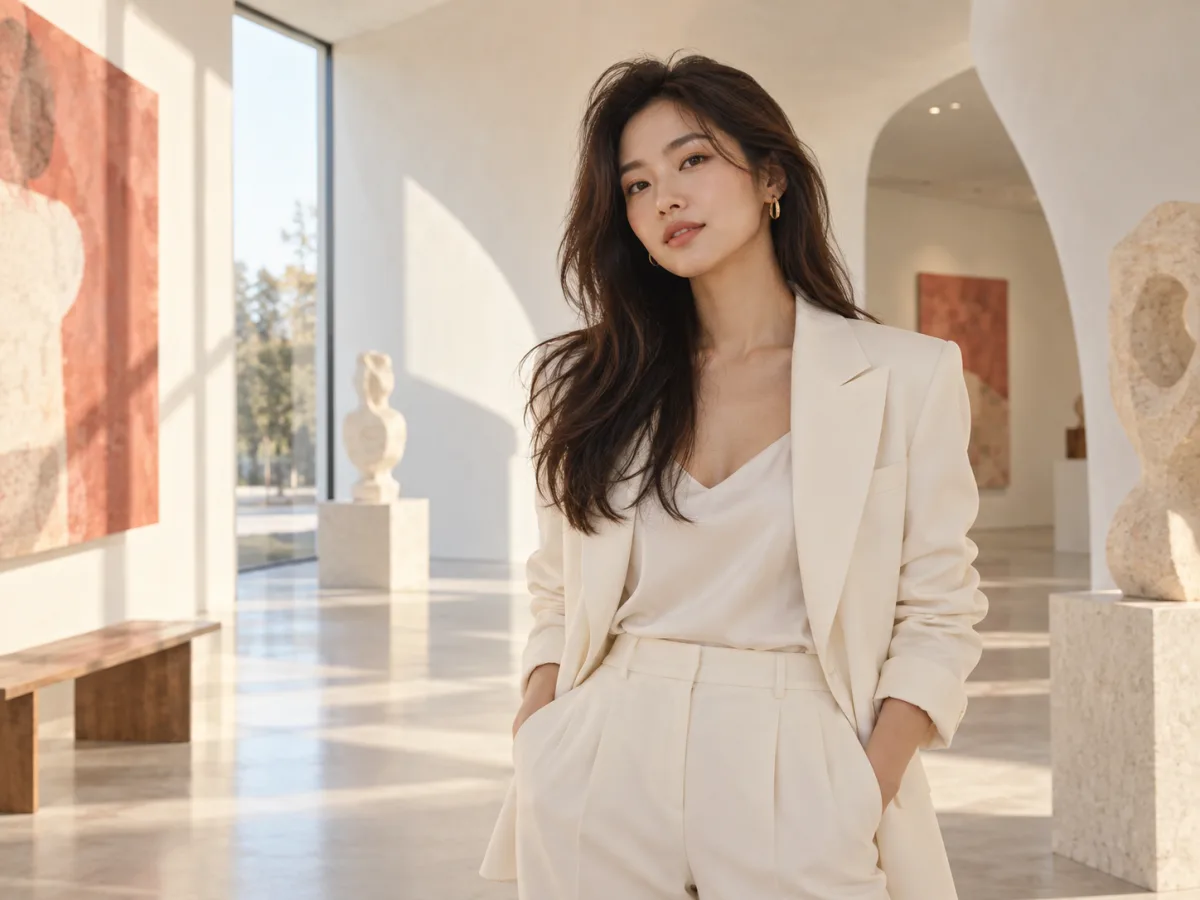
01
Create portraits, lifestyle scenes, editorial concepts, and other photo-style visuals from a written description.
Create AI Images Like This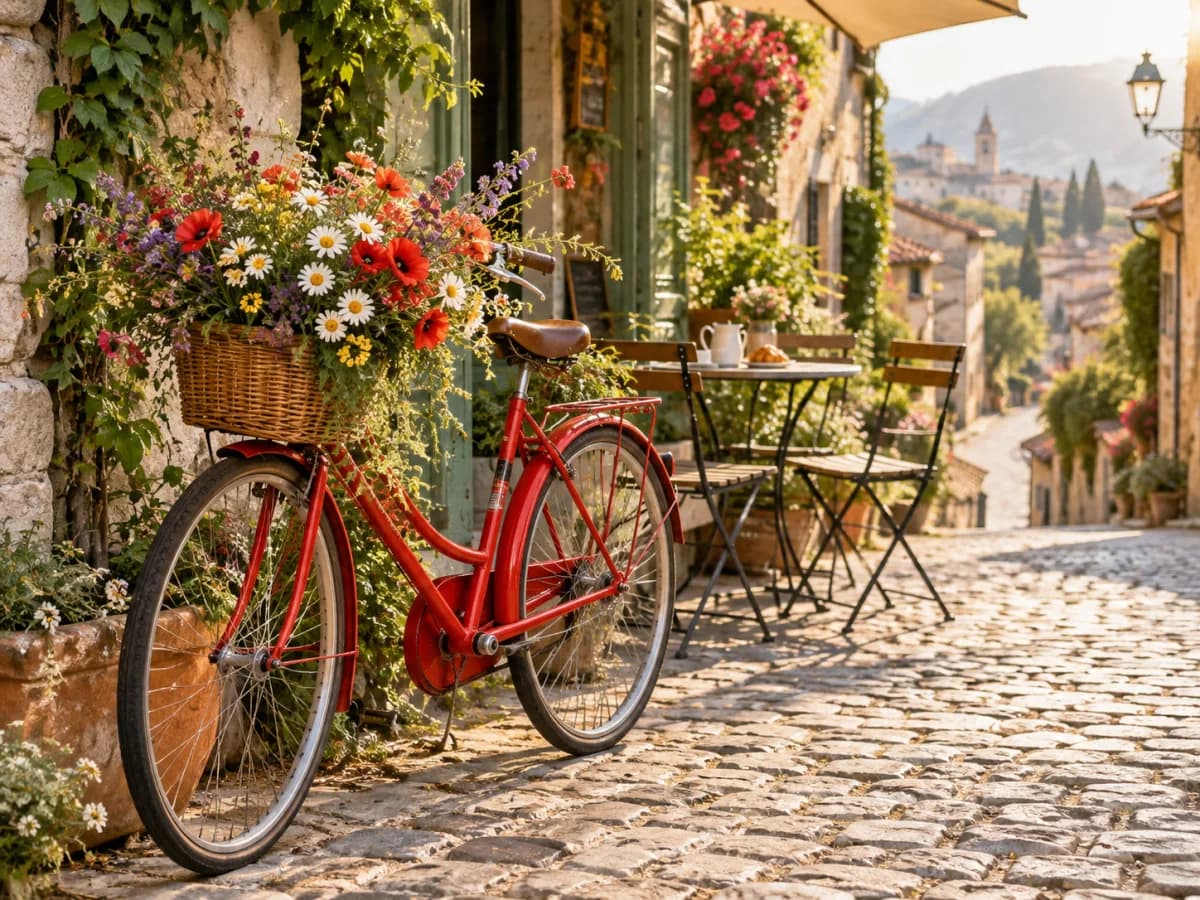
02
Turn an idea into a finished picture for a personal project, presentation, story, or social post.
Create AI Images Like This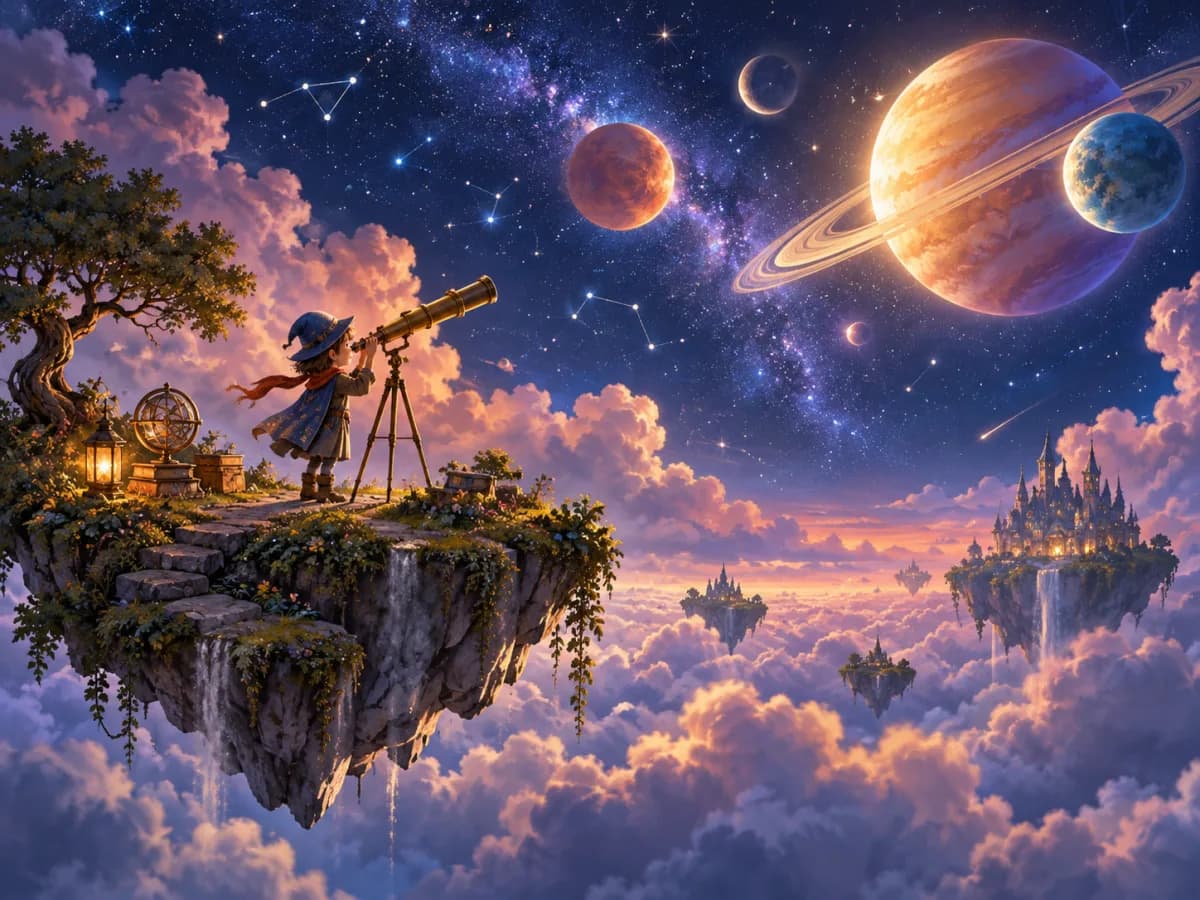
03
Explore illustrations, character concepts, poster ideas, and art directions by describing the style you want.
Create AI Images Like This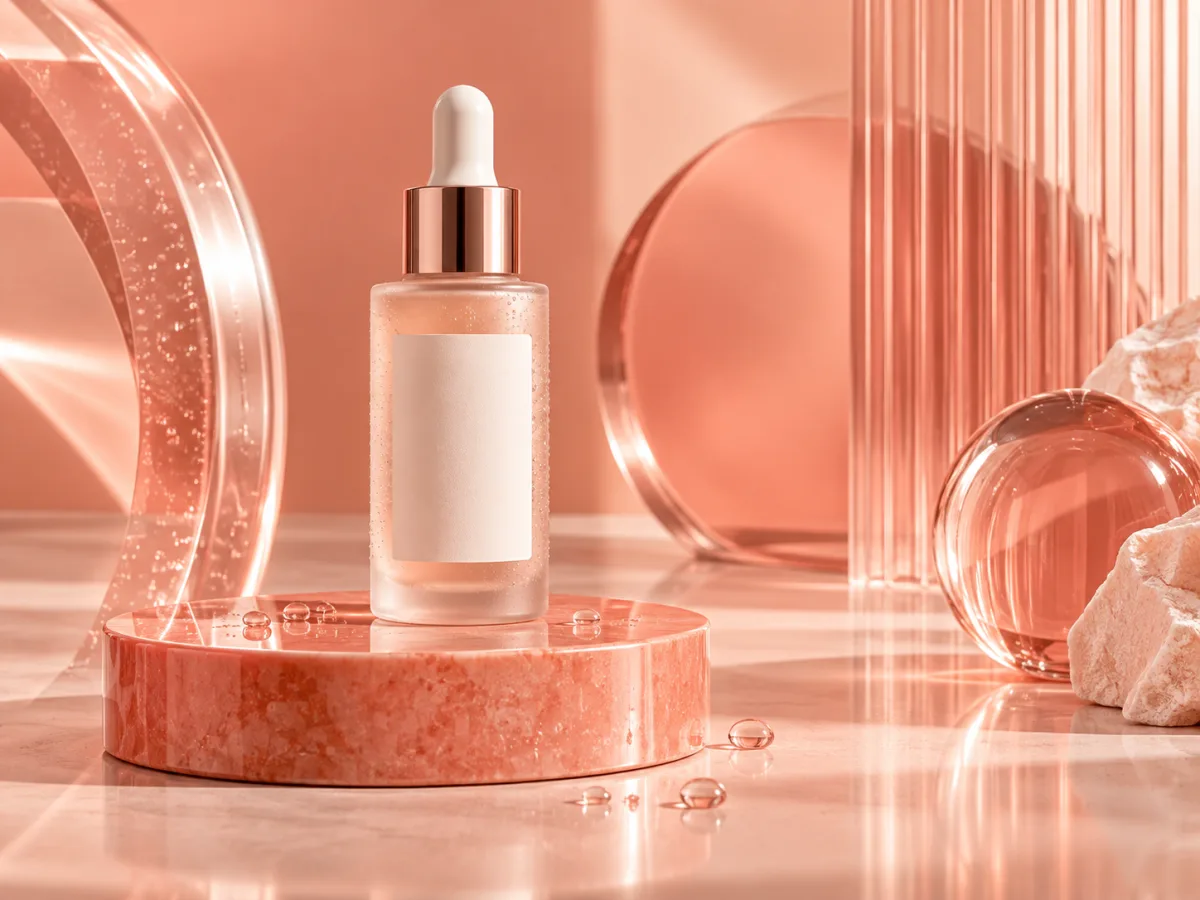
04
Test product scenes, food advertisements, campaign concepts, and other visual directions before a full production workflow.
Create AI Images Like This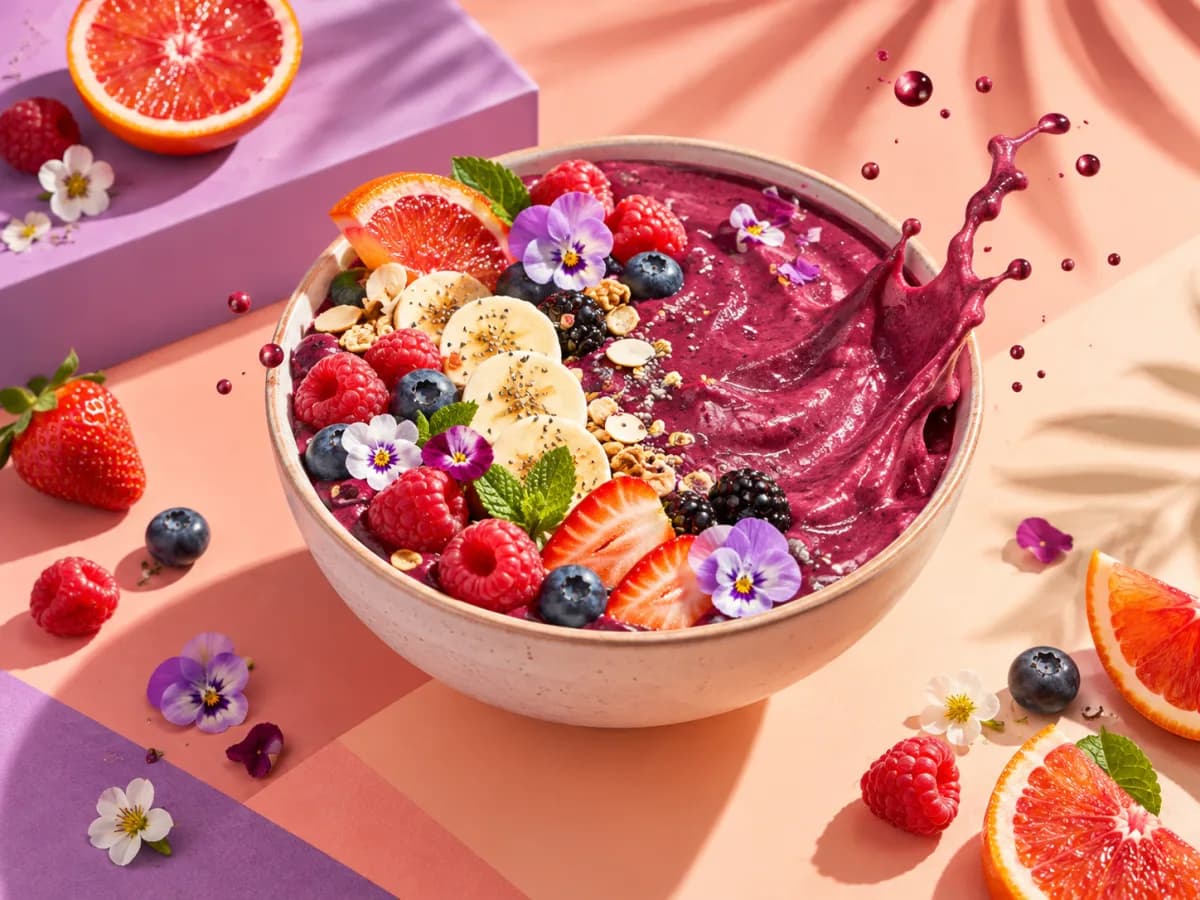
05
Create original visual concepts for articles, social posts, thumbnails, and creative experiments.
Create AI Images Like This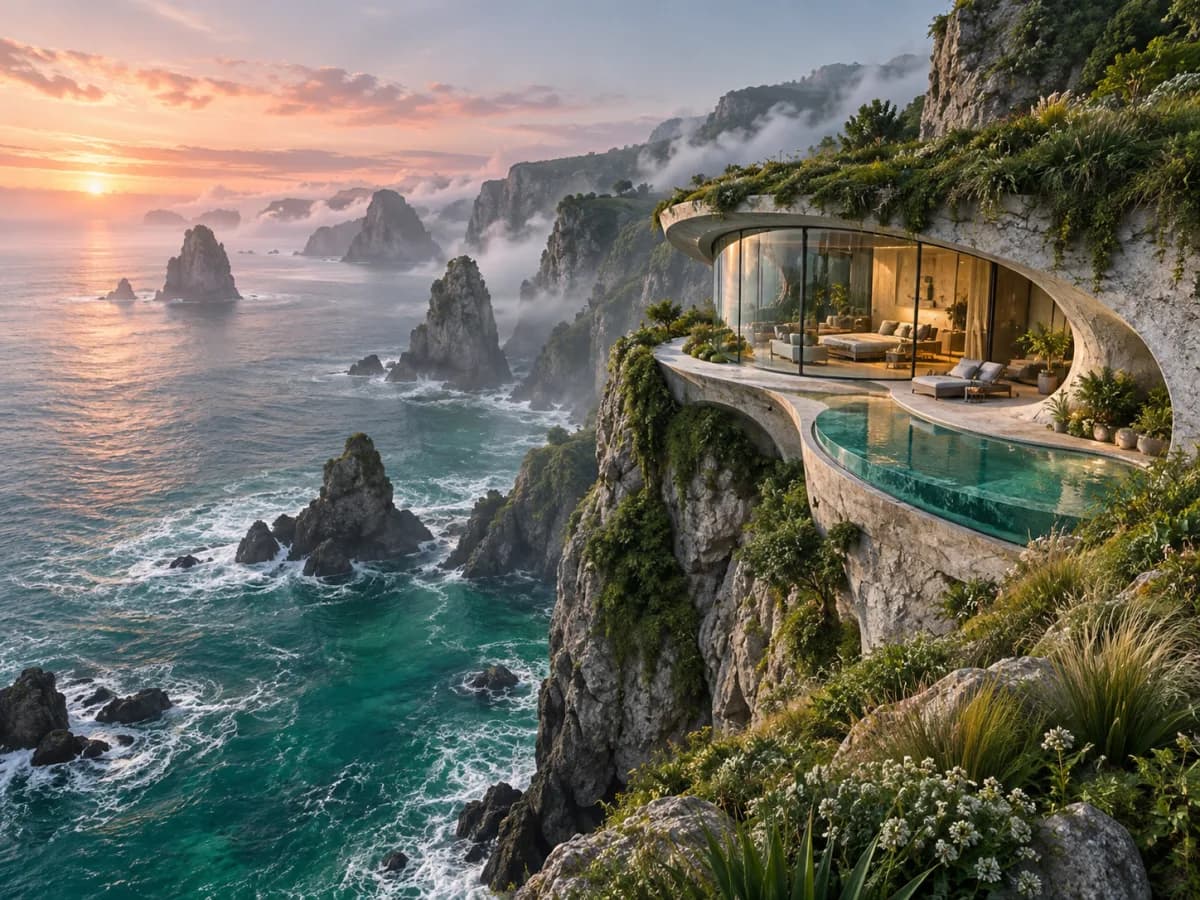
06
Generate several visual directions quickly when you are still deciding on a subject, mood, or composition.
Create AI Images Like ThisWhy use it
An online AI image generator helps you move from a written idea to a visual direction without starting with a blank canvas.
Generate a visual direction before committing to a larger production workflow.
Use a prompt to guide the subject, mood, colors, composition, and visual style.
Create different versions of the same idea and compare the direction that fits best.
Generate and review images in your browser without installing professional design software.
Who it is for
Develop original visuals for articles, videos, newsletters, and social media without starting from a blank design canvas.
Explore campaign directions, art styles, product scenes, and visual references before committing to a final concept.
Create product-scene ideas and advertising concepts from a written description of the product and setting.
Visualize characters, places, scenes, and story ideas while developing a creative project.
Creative controls
The workspace keeps the main controls close to the prompt so you can create, review, and refine an image in one online workflow.
Describe the subject, mood, lighting, and composition in natural language to guide the visual direction.
Keep the important details in your prompt so each new generation stays close to the intended idea.
Use aspect-ratio and resolution controls to prepare visuals for different creative contexts.
Choose from the models and 1K, 2K, or 4K output options available in the workspace.
FAQ
An AI image generator creates a new image from a written description. You can describe the subject, setting, style, lighting, and composition, then generate a visual result from that text prompt.
Write a clear text prompt, choose the available model, aspect ratio, and resolution, then select Generate image. Review the result and refine the prompt if you want another direction.
New users can sign in to receive the first free image available under the current account offer. Additional generations use credits according to the selected model, resolution, and current pricing.
Yes. The AI image generator works in your browser, so you can create images online without installing image-generation software. Sign in before generating an image.
You can generate another image by refining the prompt and submitting it again. This lets you explore multiple visual directions from the same idea without leaving the workspace.
The workspace provides aspect-ratio and resolution controls. Available options include 1K, 2K, and 4K output, depending on the selected model and account credits.
Yes. Sign in before generating an image so the workspace can apply the current account offer and credit rules.
Yes. Update the prompt with the subject, style, lighting, or composition change you want, then generate another image from the revised description.
More tools
Use a reference image to create new styles, scenes, and visual variations.
Replace, remove, or change specific image details with a text prompt.
Turn visible image details into an editable, reusable AI prompt.
Turn a photo into anime, manga, chibi, and other illustrated styles.
Create a new outfit from a person photo, prompt, or clothing reference image.
Improve photo clarity, resolution, and fine details online.
Create online
Describe your idea, choose your settings, and create an image from a text prompt.