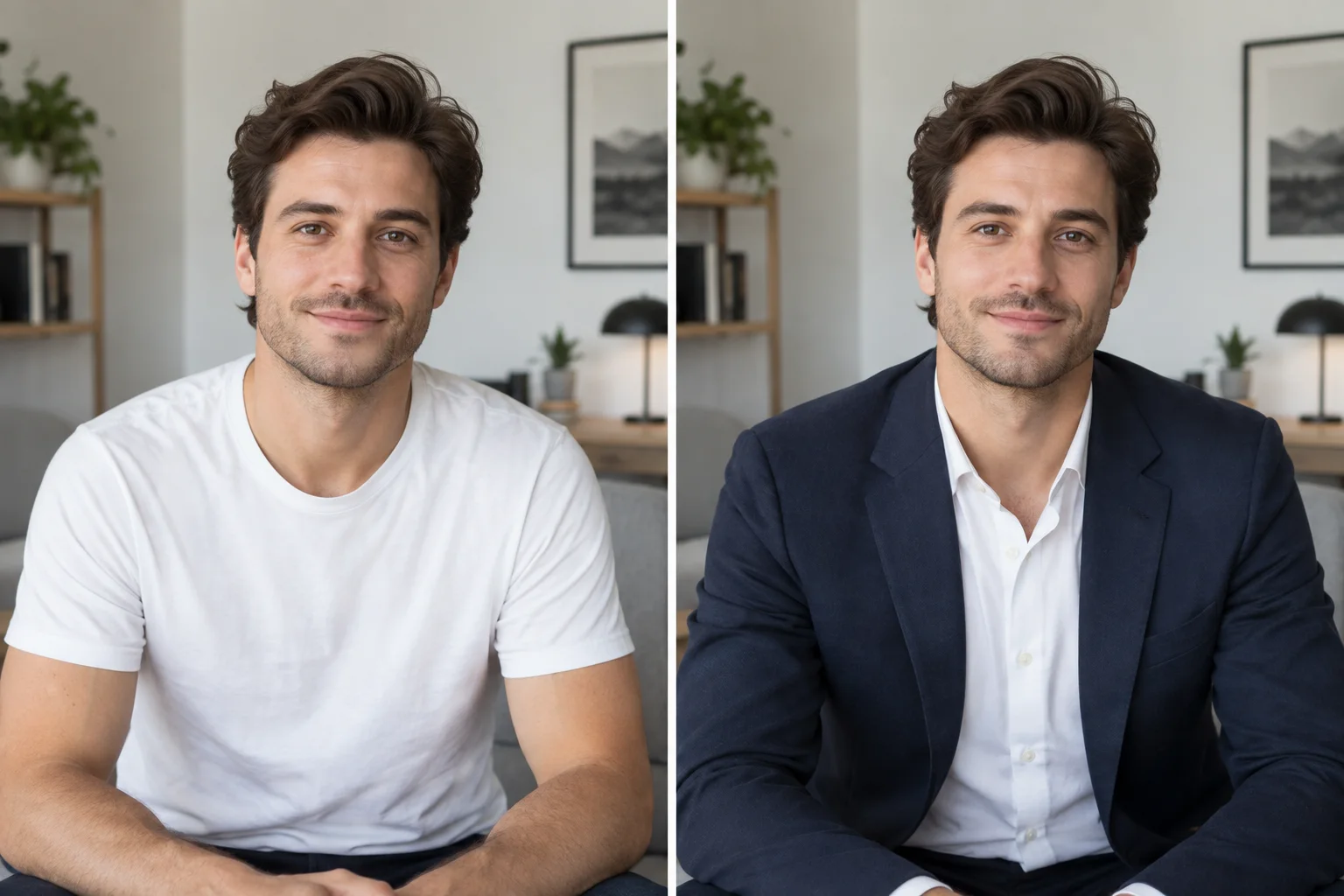
AI Dress Change for Photos
Describe an evening dress, wedding dress, summer dress, or another silhouette, including color and fabric details.
Online AI outfit editor
Upload a person photo, describe a new look or add an optional outfit reference, and create a realistic clothes change online. Your first successful generation is free after sign-in.
Upload a person photo and optionally add an outfit reference or describe the new outfit.
Sign in to get your first free image
One tool, two input methods
Describe the clothes you want or supply a visual outfit reference. Use the method that best matches your idea.
Describe an evening dress, wedding dress, summer dress, or another silhouette, including color and fabric details.
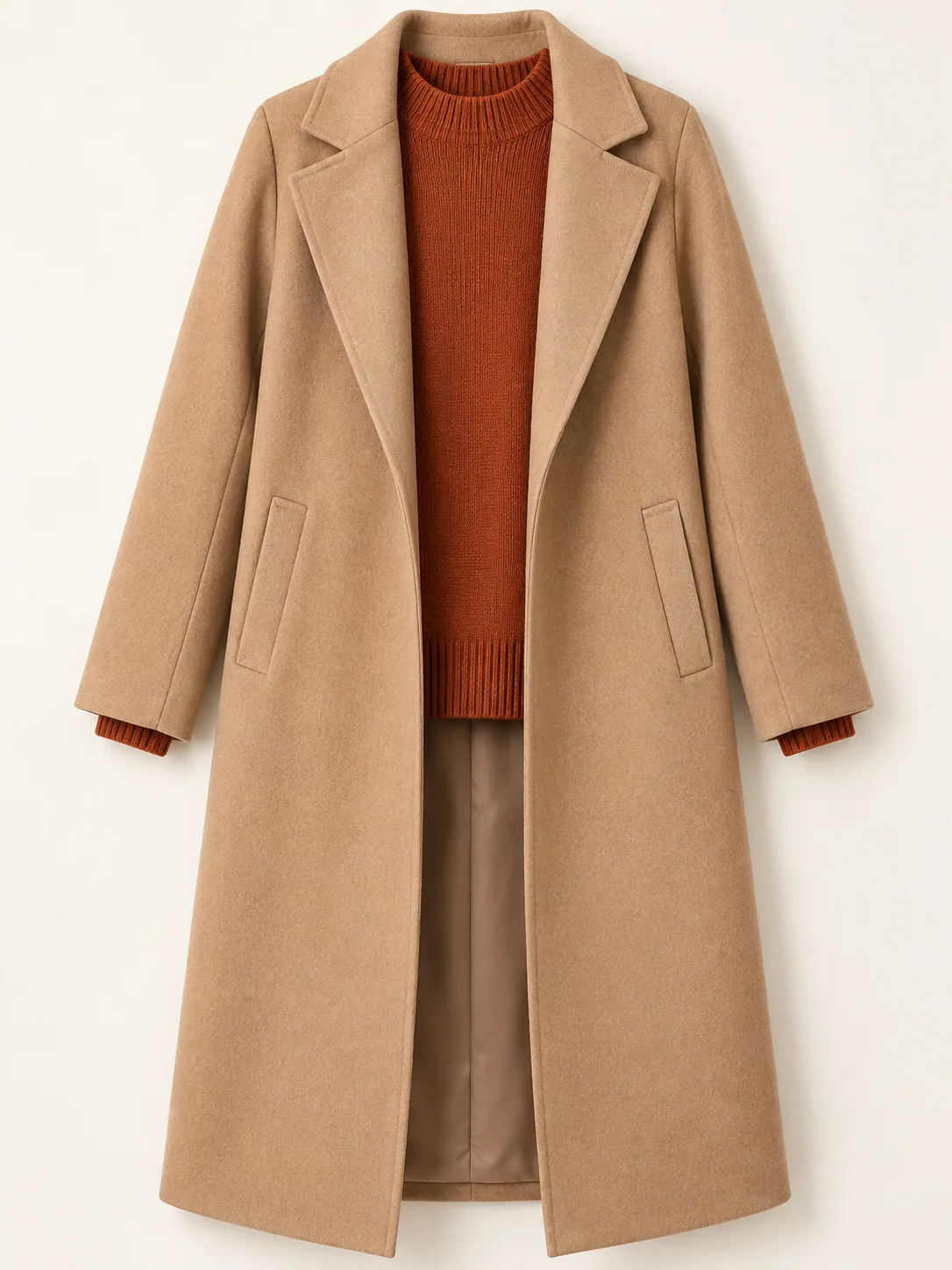
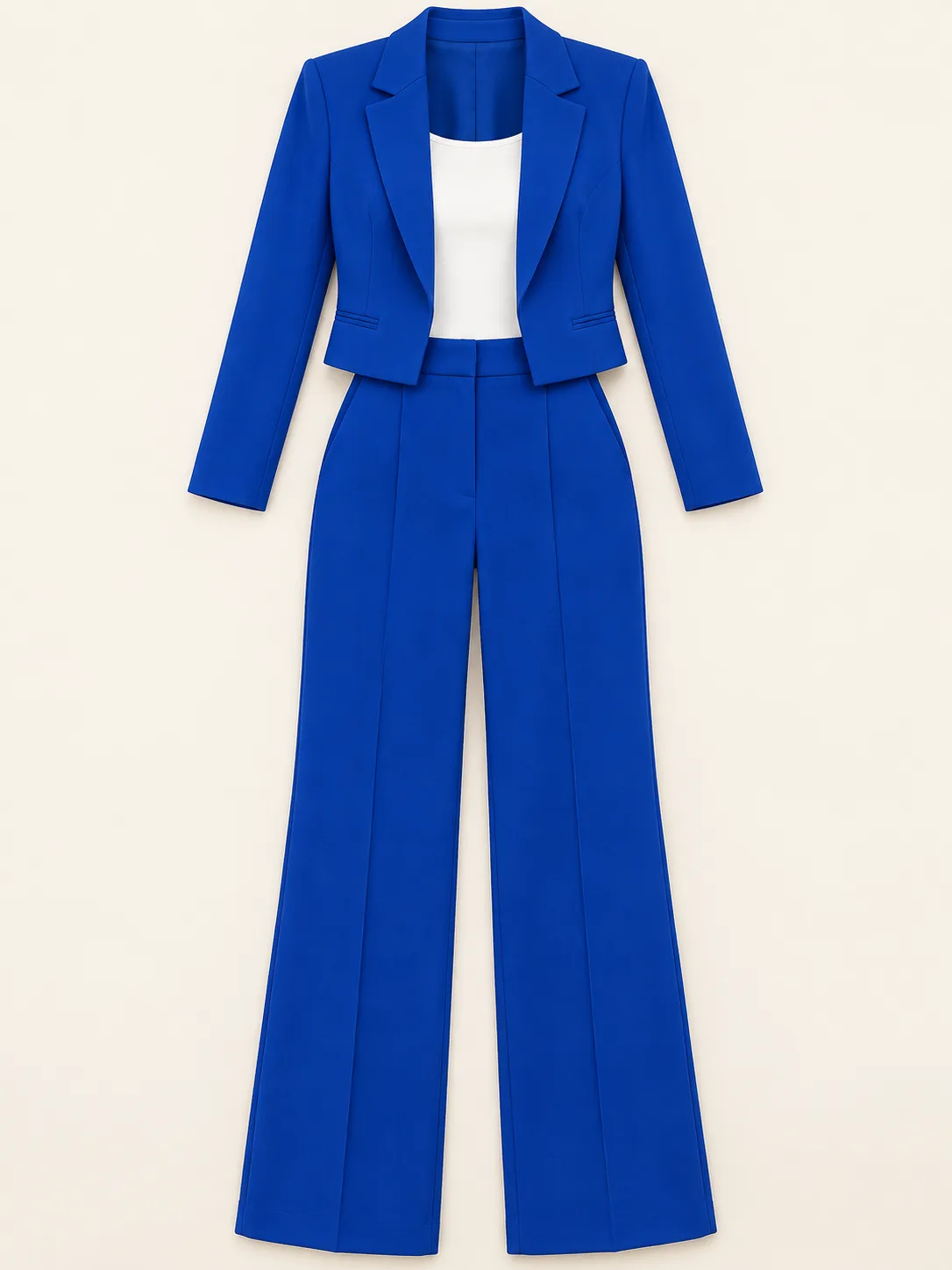
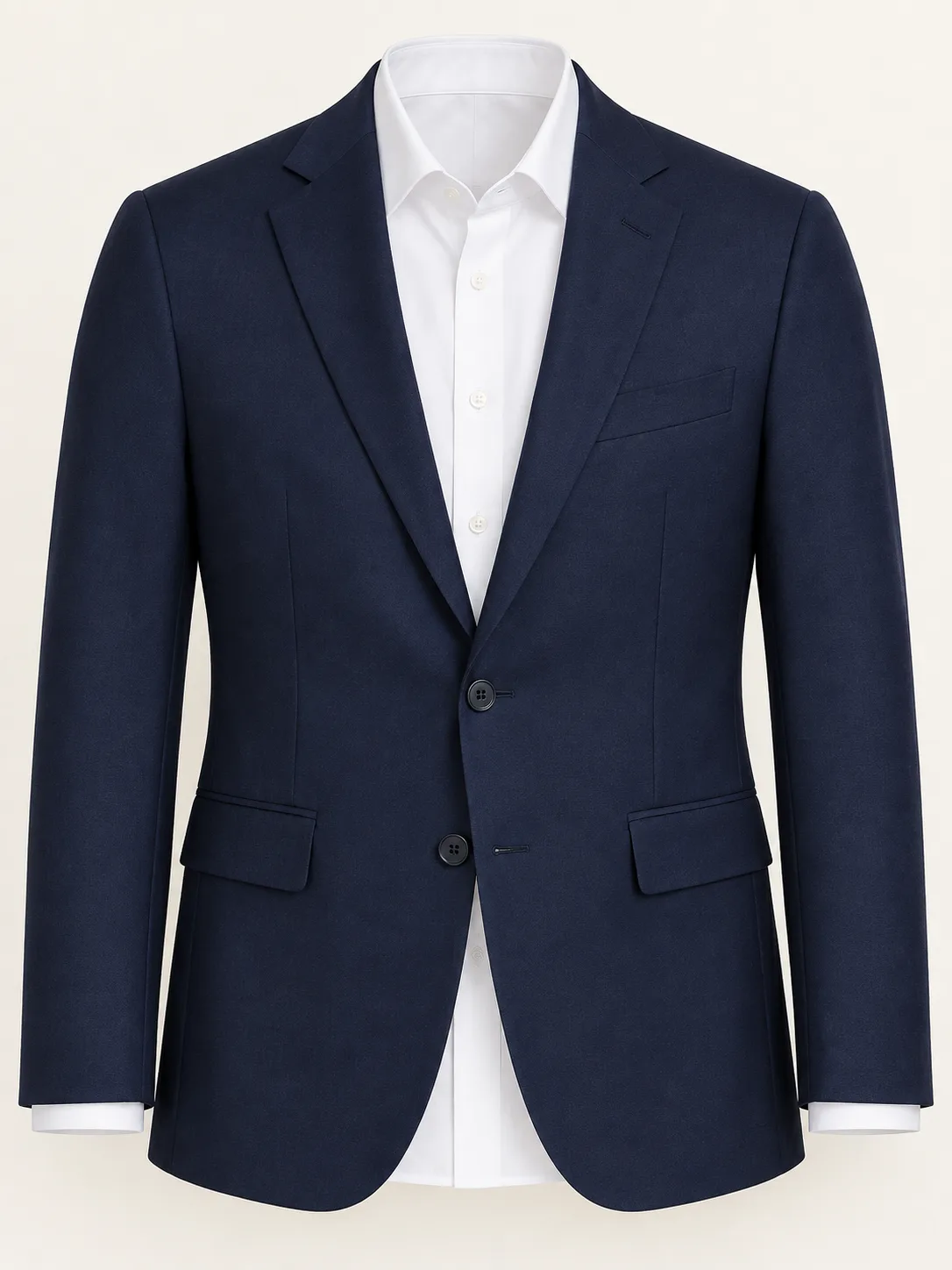
Upload a flat-lay garment or an on-model look when you want the new clothes to follow a specific design.
Change a complete look—from casual styling to formalwear—while keeping the person and scene recognizable.
How it works
Start with a person photo, choose how to define the new outfit, and generate the result in three steps.
Choose a clear JPG, PNG, or WEBP image where the person and current clothing are visible.
Use a flat-lay or on-model outfit reference, write a prompt, or combine both for more control.
Create the clothes change, review the result, and download it or refine the instructions for another version.
Flexible outfit control
The outfit reference is optional. A prompt can define the whole look or add color, material, and fit details to a reference image.
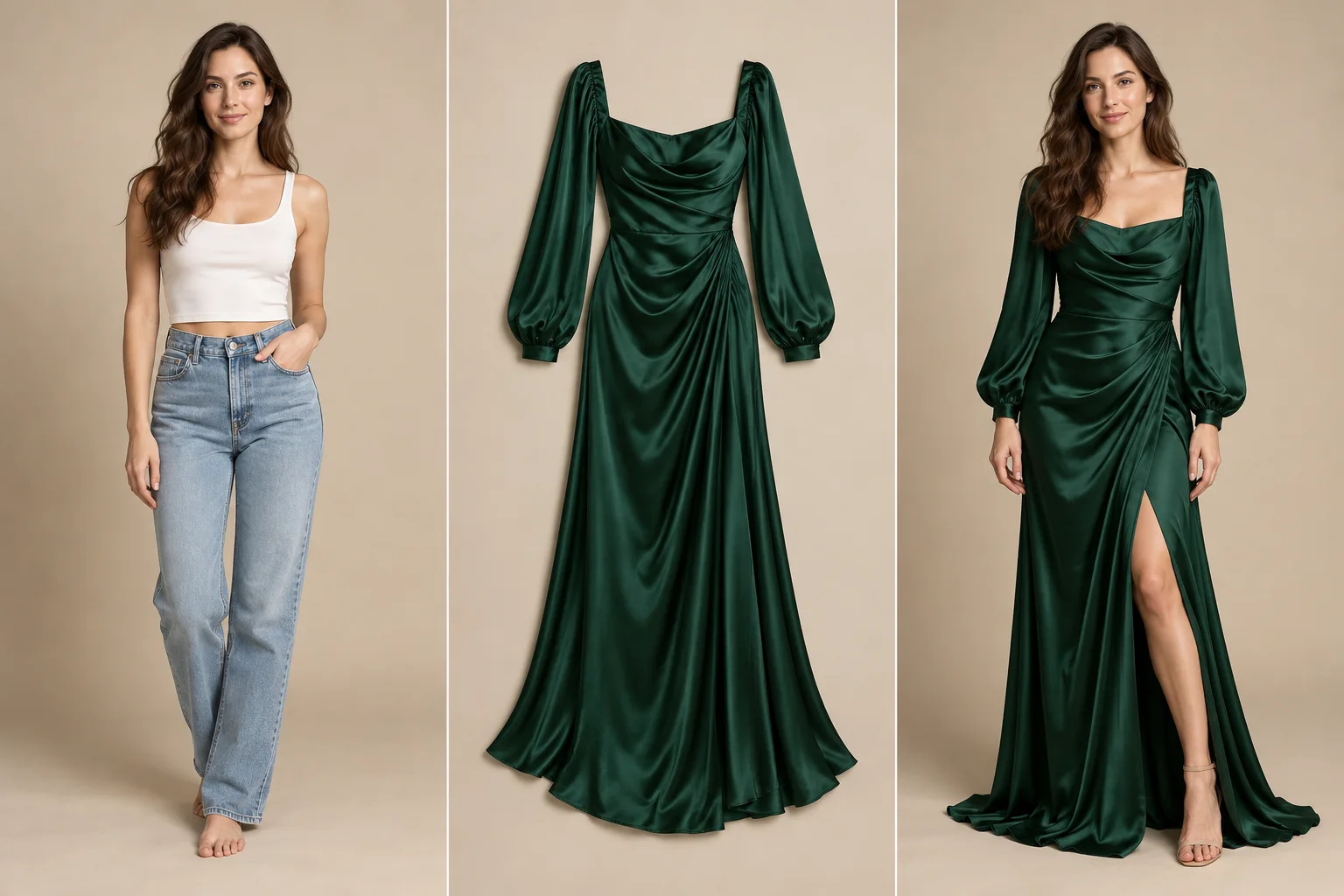
Write the clothing type, color, fabric, fit, and occasion. The person photo remains the visual foundation for the result.
Use a clear garment or on-model image to guide the design. Add optional instructions when you want to adjust its color, fit, or styling.
Realistic clothing edits
Clear inputs and focused instructions help the model change the clothing while respecting the original person and scene.
The workflow asks the model to retain the face, hairstyle, pose, and body proportions unless you request another change.
A detailed prompt or clear outfit image supplies visual cues for material, cut, pattern, and garment structure.
The default instruction keeps the original lighting, camera angle, and background focused while the outfit changes. If you also want a different scene, change the background with an AI image editor.
Outfit change examples
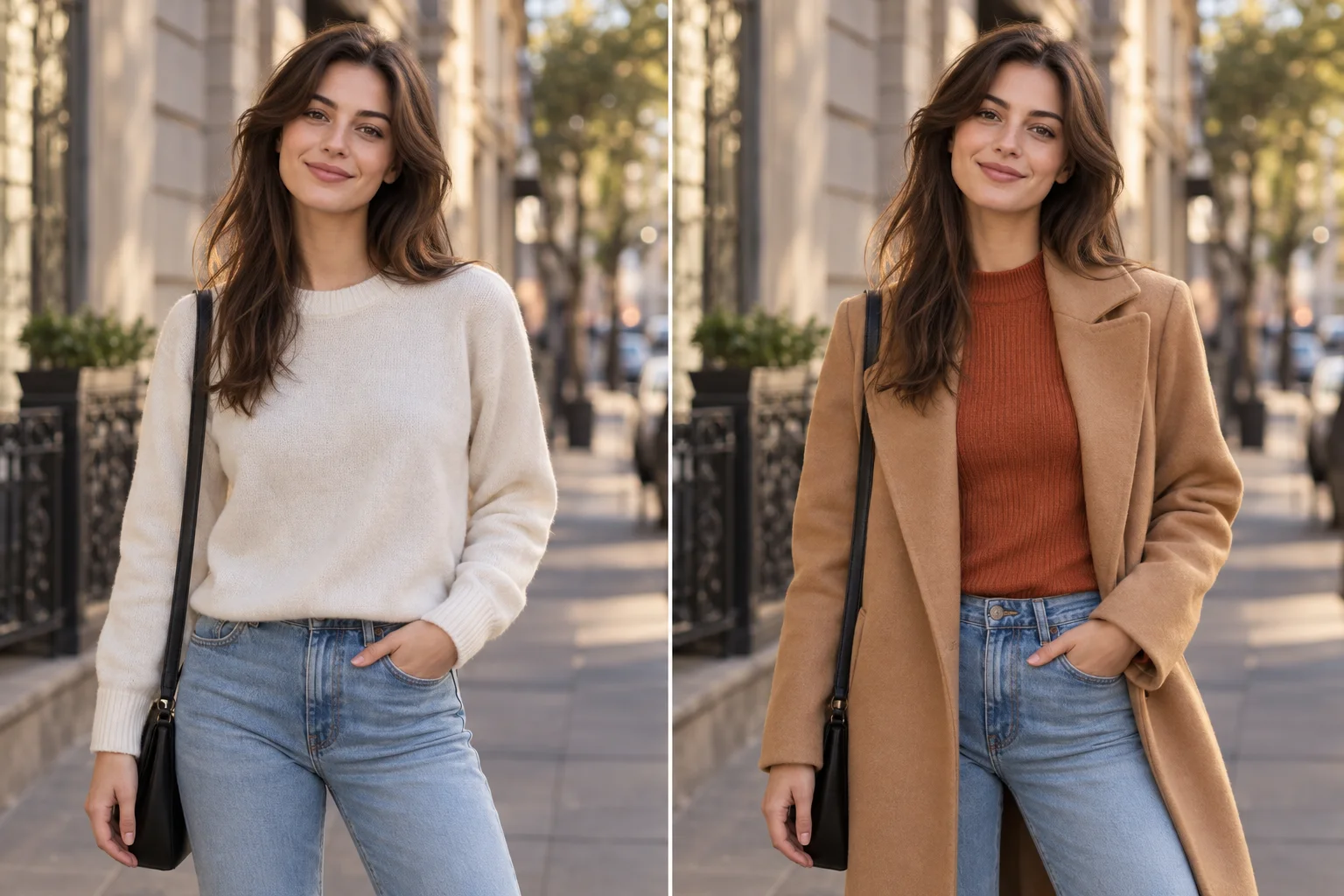
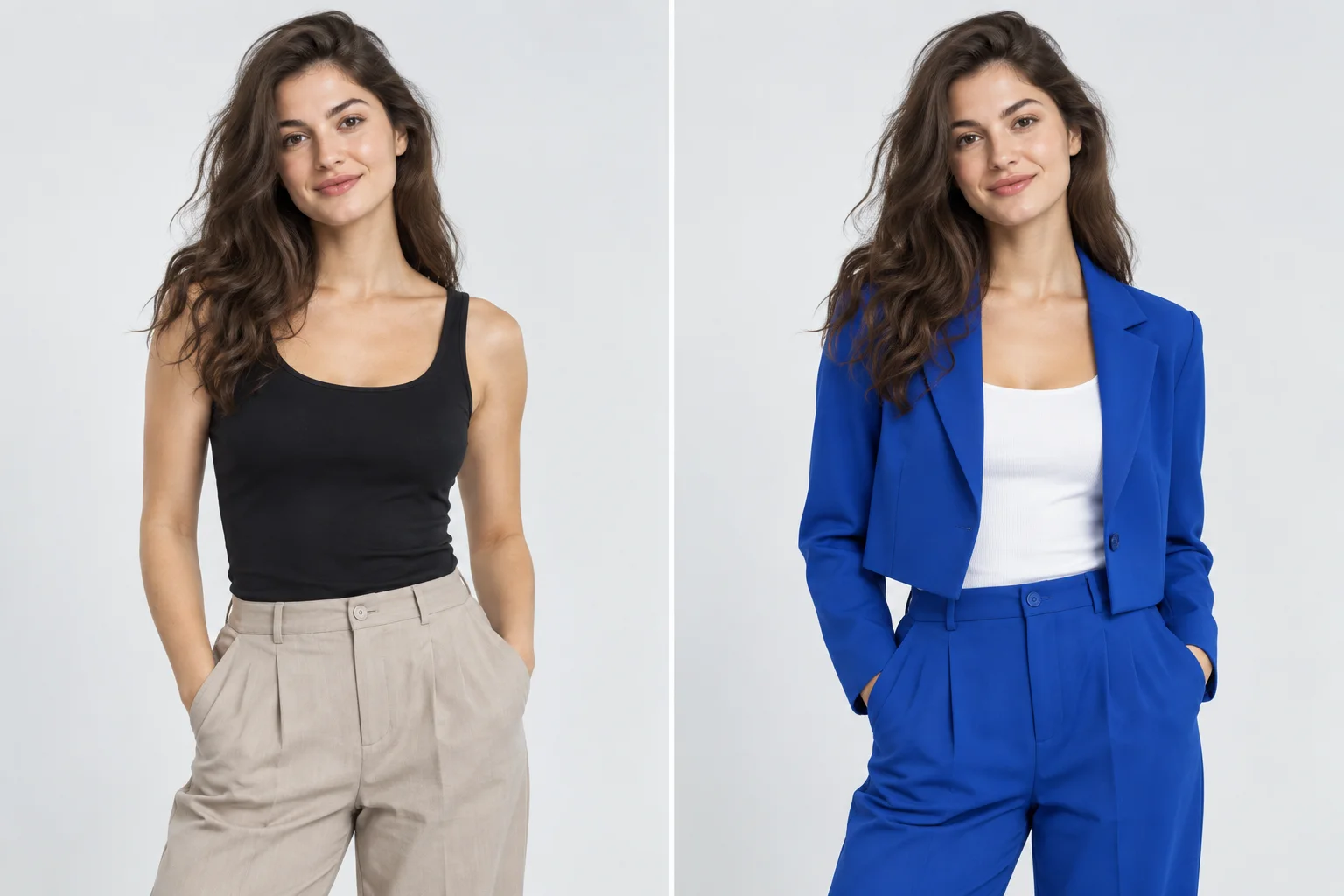
See how a person photo and an outfit reference become a new look while the person stays recognizable.
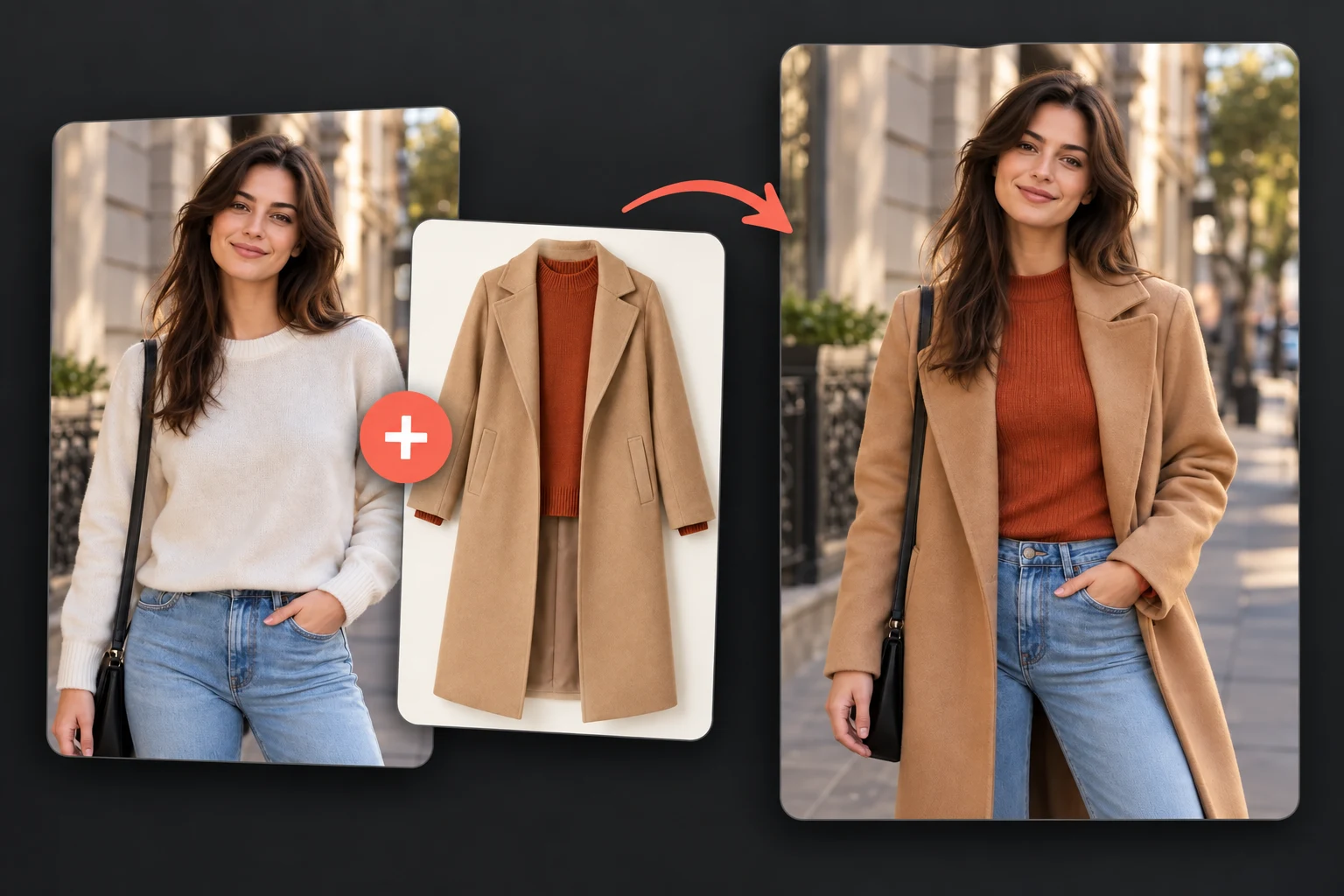
Preview a formal look before an event or compare styling directions using one clear portrait.
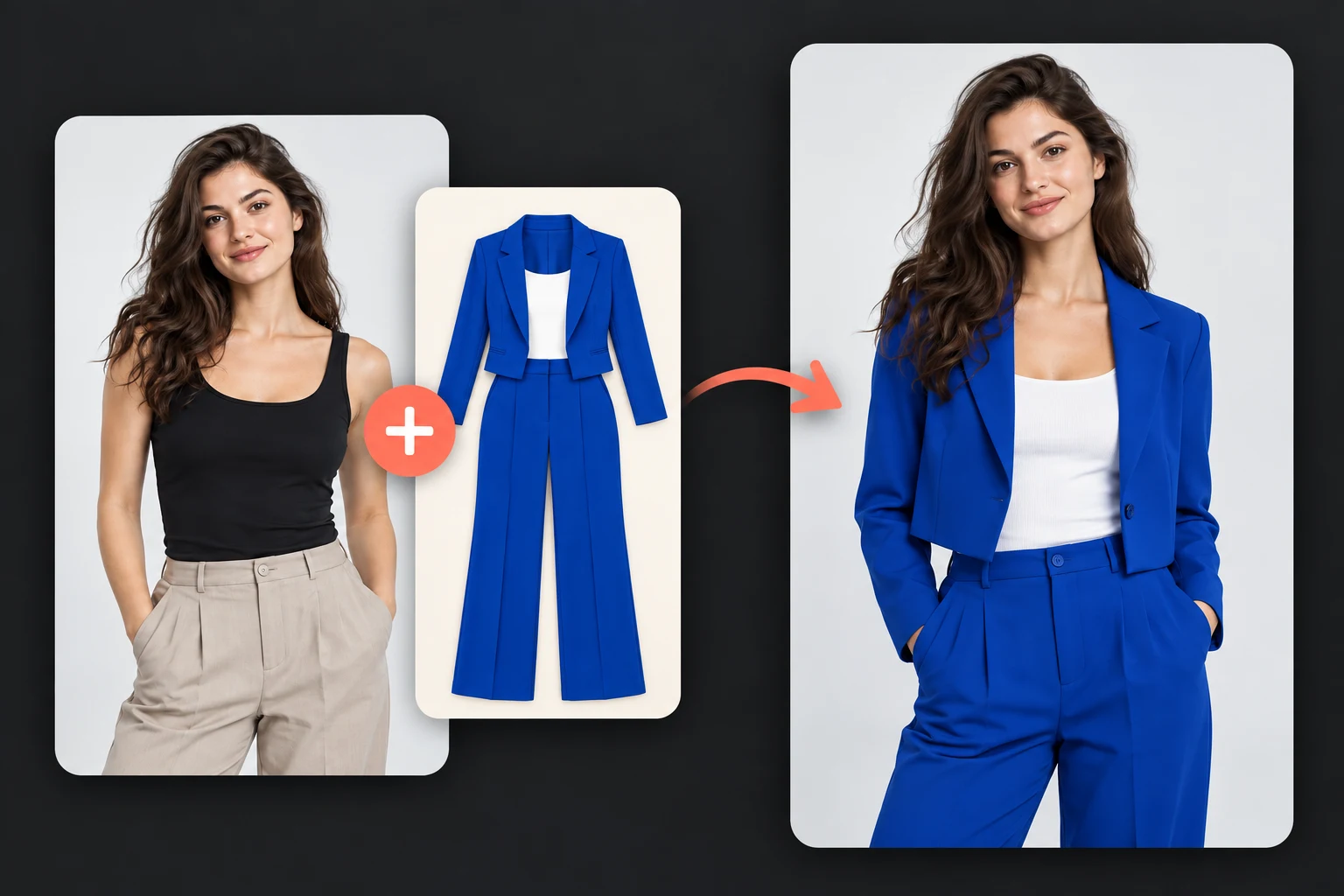
Create new seasonal looks from one photo when planning social posts, lookbooks, or campaign ideas.
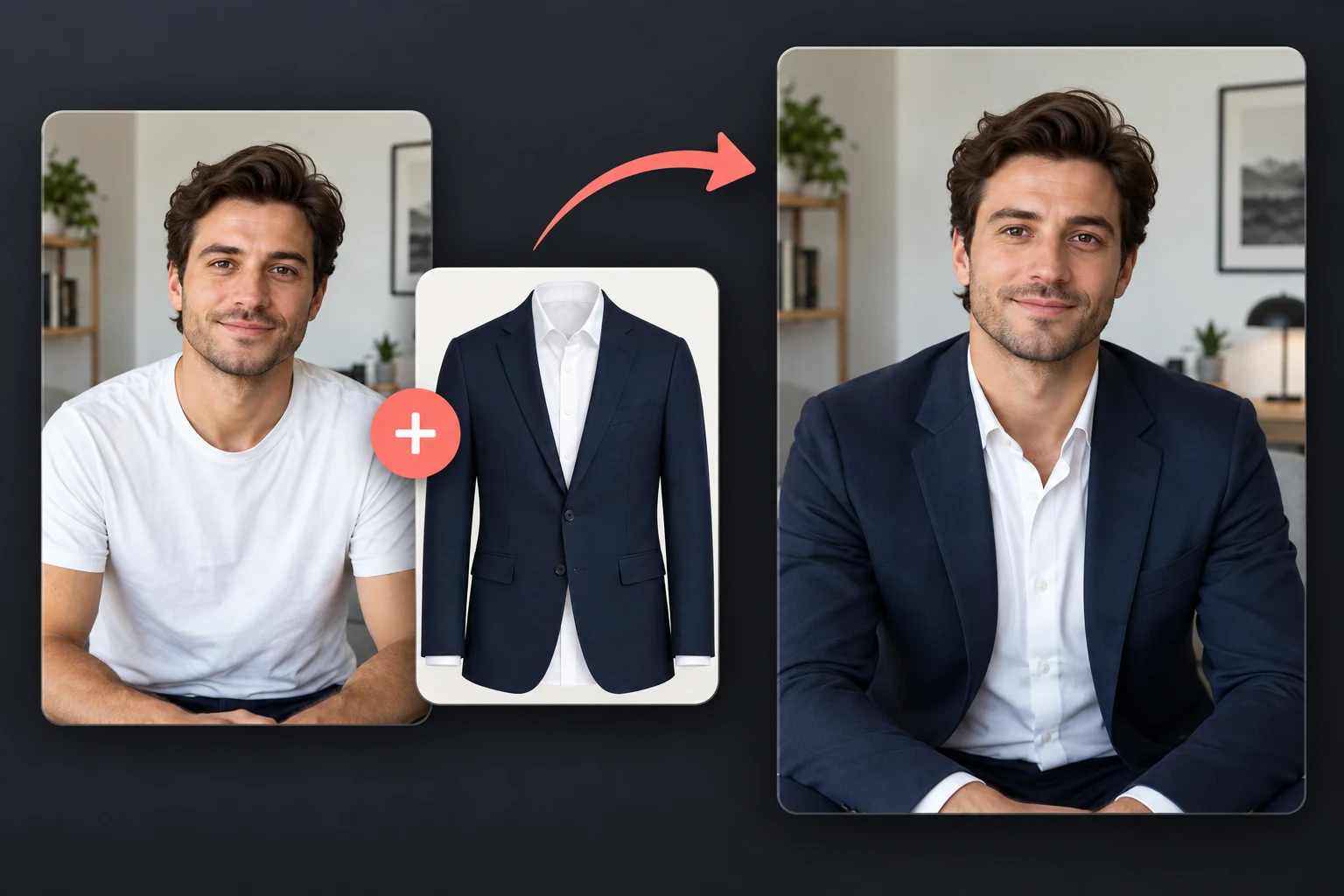
Explore outfit colors and coordinated sets before preparing final catalog photography.
FAQ
Practical answers about prompts, outfit references, image formats, and credits.
An AI clothes changer uses a person photo, an optional outfit reference, and text instructions to generate a new image with different clothing. It is designed to preserve recognizable person and scene details while changing the outfit.
Yes. Upload a person photo and describe the dress, jacket, suit, color, material, or complete outfit you want. An outfit reference image is not required when your prompt clearly describes the change.
No. The outfit image is optional. Use one when you want the generated clothing to follow a specific design, shape, color, or pattern more closely.
Yes. You can upload a clear flat-lay garment photo or an on-model outfit photo. Images with an unobstructed garment and visible details usually provide a more useful reference.
New accounts receive one free successful GPT Image 2 generation at 1K after signing in. Later generations use the credits displayed in the workspace. Adding an outfit reference image increases the displayed credit cost.
Use a clear person photo and keep the request focused on clothing. The workspace automatically tells the model to preserve the face, hairstyle, body proportions, pose, lighting, and background unless your instructions request another change.
The workspace accepts JPG, PNG, and WEBP files up to 10 MB per image.
More tools
Use a reference image to create new styles, scenes, and visual variations.
Create original images from text prompts without uploading a reference image.
Replace, remove, or change specific image details with a text prompt.
Turn visible image details into an editable, reusable AI prompt.
Turn a photo into anime, manga, chibi, and other illustrated styles.
Improve photo clarity, resolution, and fine details online.
Upload a person photo, add an optional outfit image or describe the clothes you want, and generate a new look. Sign in to receive one free successful GPT Image 2 generation at 1K.
Change clothes now