Use an Online Photo Enhancer with One Uploaded Image
Choose one JPG, PNG, or WEBP image up to 10 MB. No prompt or advanced settings are required.
AI photo enhancement
Enhance photo quality online with our AI Photo Enhancer. Upload a JPG, PNG, or WEBP image and improve clarity, resolution, and fine details in one click—for portraits, product photos, and everyday snapshots.
Upload an image, then enhance it with one click.
Sign in to get 2 free credits and enhance one image
What it is
An AI image enhancer is an online photo quality tool that uses an uploaded image as the source for a clearer, higher-resolution result. It focuses on improving image quality and fine details instead of creating an unrelated image from a text prompt. The original upload remains separate from the enhanced result.
How it works
This online photo enhancer and online image enhancer makes a photo clearer in three simple steps. Upload one image, start the enhancement, and review the safety-checked result before downloading it.
Choose one JPG, PNG, or WEBP image up to 10 MB. No prompt or advanced settings are required.
Click Enhance Image to improve image quality with AI, make image clearer, and improve small details. Each enhancement uses 2 credits.
Wait for the output safety review, then compare the result with the original and download it.
Image quality enhancement
As an image quality enhancer and photo quality enhancer, this tool is designed for practical improvements to resolution, fine details, and perceived clarity. New users can sign in to receive 2 credits and enhance one image for free. Results still depend on the quality and size of the uploaded image.
Make personal, social, and everyday photos easier to view when the original image looks small or soft.
Enhance visible detail in portraits and face-focused images while keeping the uploaded photo as the visual reference.
Give small, old, or low-quality images a clearer starting point for sharing, reviewing, or downloading.
Sign in to receive 2 credits and enhance one image for free. Further enhancements use credits from your account.
Use cases
Drag the slider across each case to compare the original photo with its enhanced result. Use the same one-click workflow for profile pictures, social media photos, and online product images.


USE CASE
Improve visible face and hair detail in profile pictures and headshots while keeping the original identity and composition.
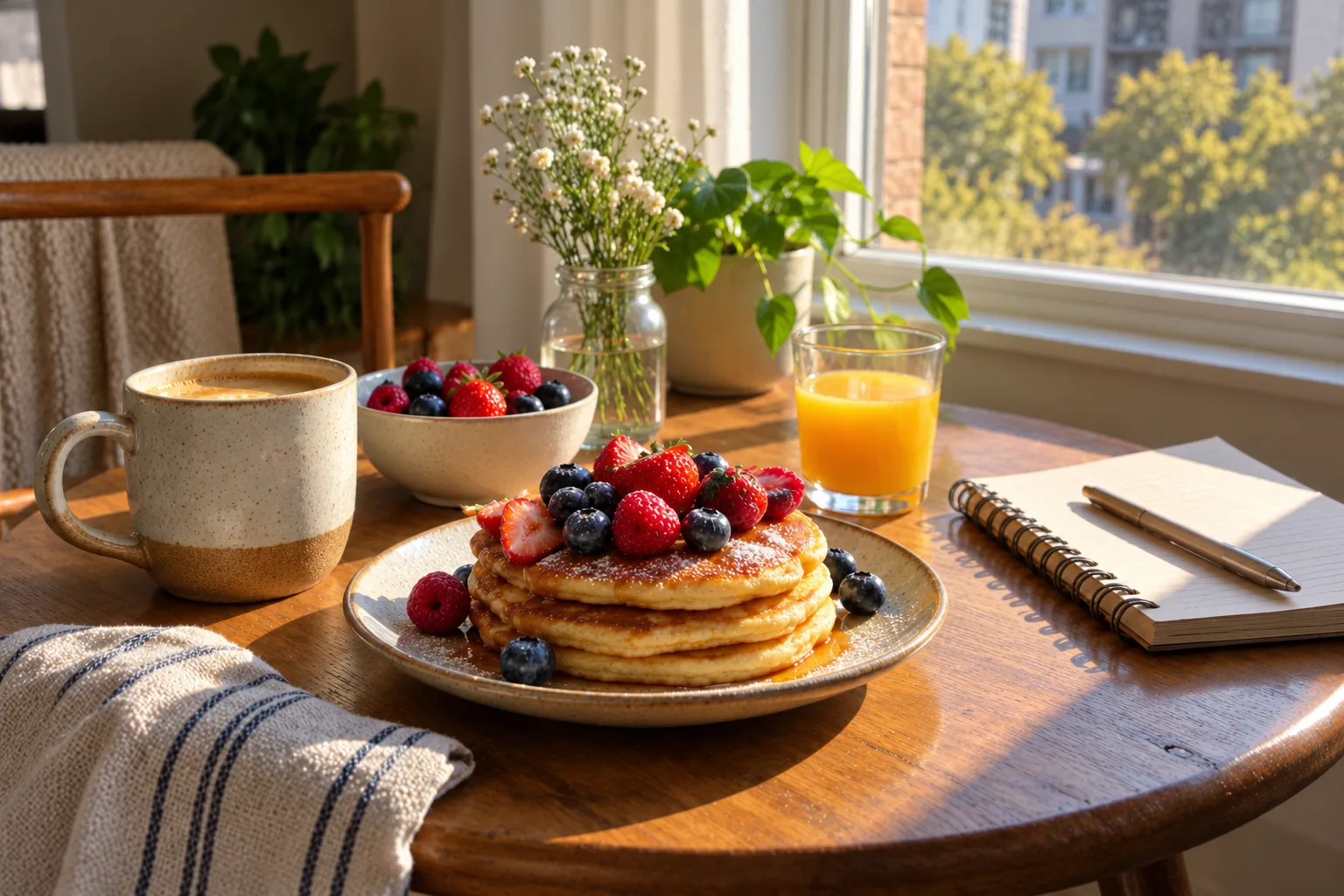
USE CASE
Compare a soft lifestyle photo with a clearer result prepared for social posts, messages, or everyday sharing.
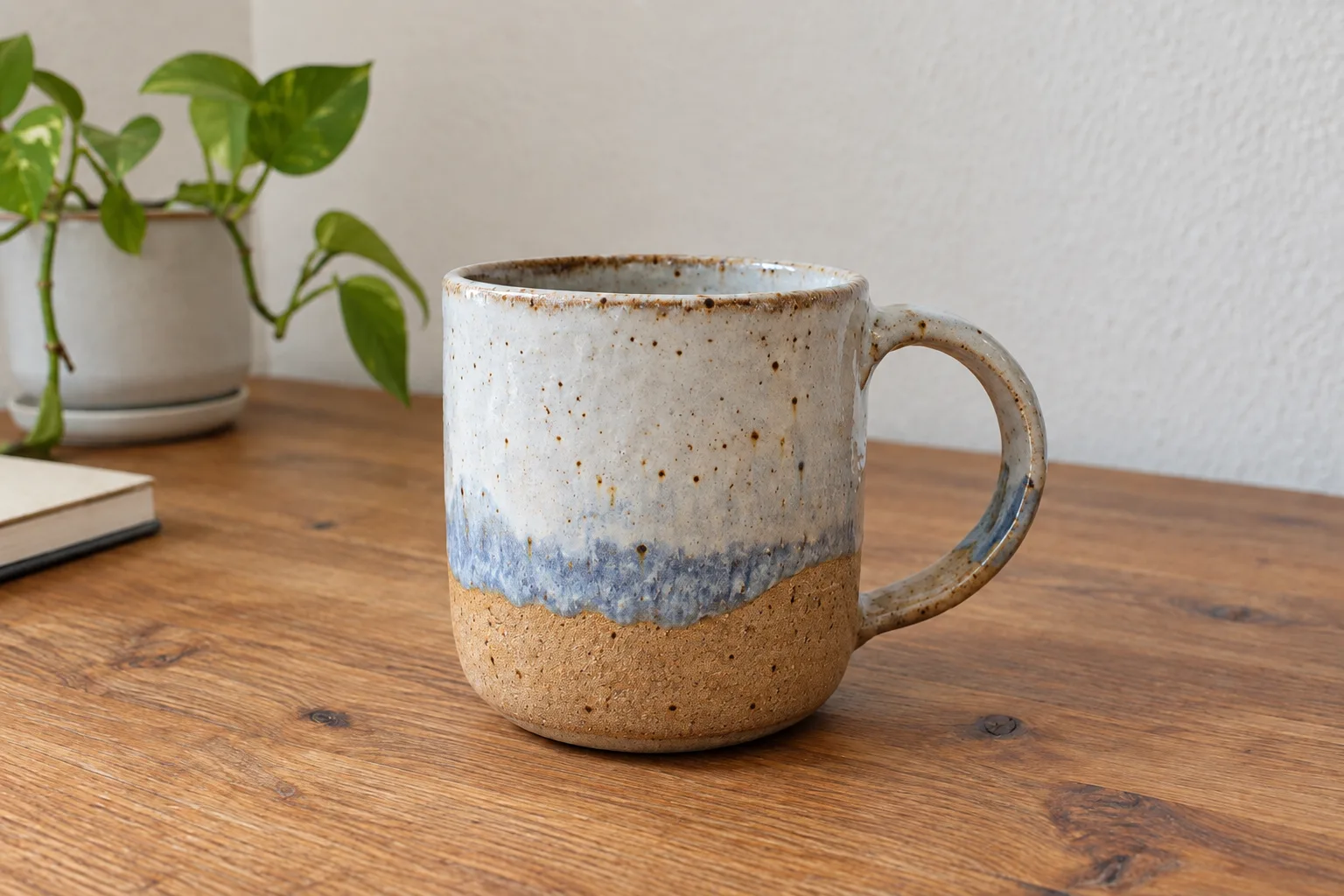
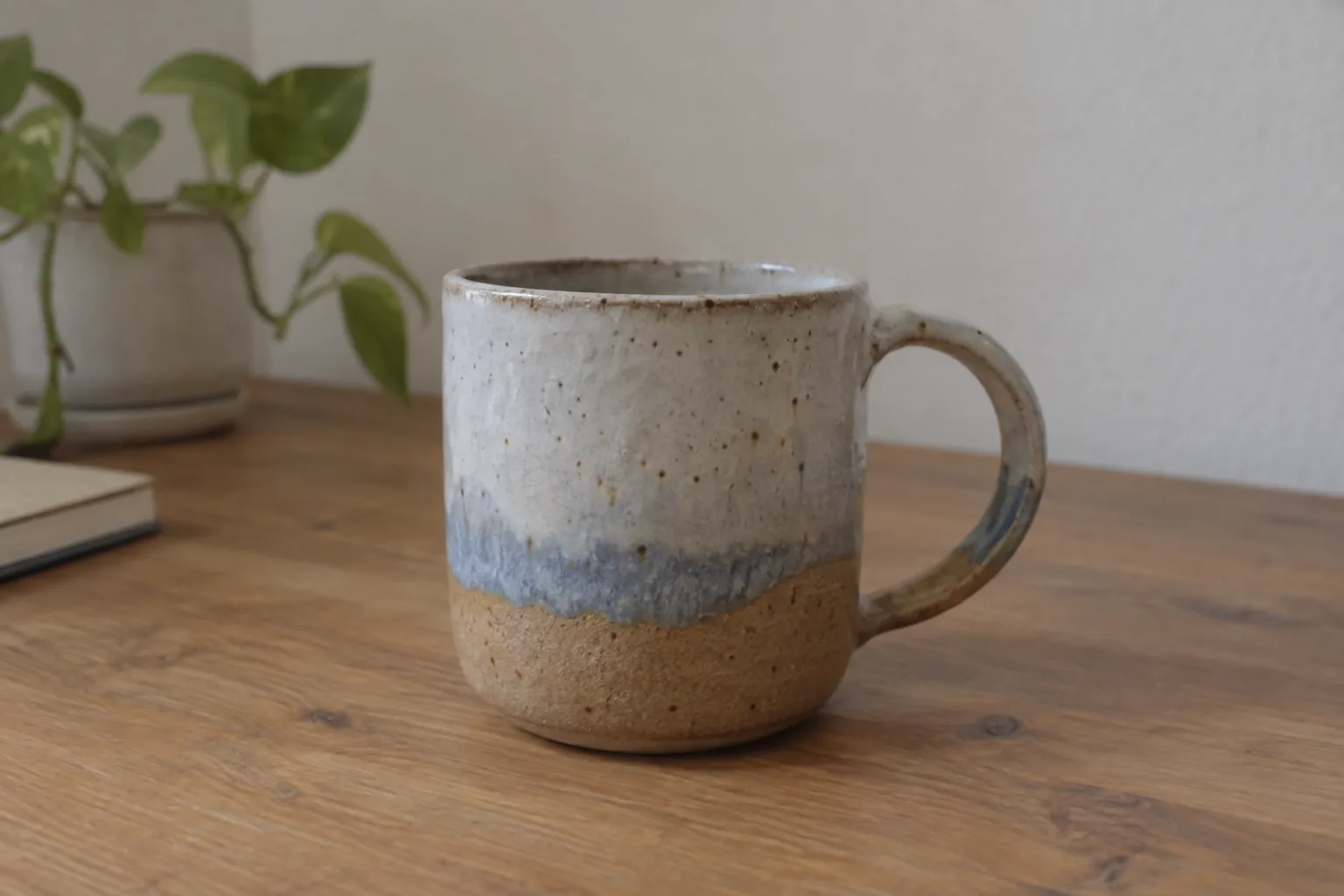
USE CASE
Improve the texture and edge detail of a small product photo before using it in an online listing, presentation, or catalog.
Choose the right tool
An image enhancer focuses on perceived quality, fine details, and clarity. An image upscaler mainly focuses on increasing output dimensions. These workflows can overlap, but they serve different search intents. This page is for AI photo enhancement; a dedicated image upscaler page can cover size-specific needs later. If your source photo looks small or blurry, enhance it before trying the photo to anime workflow.
FAQ
Practical answers about online image enhancement, supported formats, credits, and original image handling.
An AI image enhancer analyzes an uploaded image and creates a separate result with improved resolution, fine details, and overall visual clarity. It uses the original image as the starting point rather than generating an unrelated image from a text prompt.
Upload one JPG, PNG, or WEBP image, click Enhance Image, and wait for the result and safety checks to finish. You can then review and download the enhanced image.
If you want to make a photo clearer, fix a blurry photo, or sharpen a blurry image, upload the original and click Enhance Image. The AI can improve visible detail and clarity, but severe blur or missing detail may not be fully recoverable.
Upload the low-resolution image as a single JPG, PNG, or WEBP file. The enhancer can create a clearer, higher-resolution result, while the final quality still depends on the original image.
An image enhancer focuses on perceived quality, clarity, and fine details. An upscaler mainly increases output dimensions. They can overlap, but an enhancer is the better match when the goal is a clearer-looking image.
AI can improve resolution, small details, and perceived clarity in many images. The result depends on the original image, so a heavily damaged or extremely small image may still have visible limits.
The original upload is not overwritten. The enhancer creates a separate result, so you can compare the enhanced image with the original.
The tool works online, and each enhancement uses 2 credits. Whether you can use it without purchasing more credits depends on the credits currently available in your account. There is no promise of unlimited free enhancement.
The workspace accepts JPG, PNG, and WEBP images up to 10 MB. Upload one image per enhancement so the result can be reviewed clearly.
More tools
Use a reference image to create new styles, scenes, and visual variations.
Create original images from text prompts without uploading a reference image.
Replace, remove, or change specific image details with a text prompt.
Turn visible image details into an editable, reusable AI prompt.
Turn a photo into anime, manga, chibi, and other illustrated styles.
Create a new outfit from a person photo, prompt, or clothing reference image.
Upload one image, improve its quality with AI, and download the reviewed result when it is ready.
Enhance image